Round-up
CADMapper alternatives: six tools architects use for site maps, compared honestly.
CADMapper is the tool most architects try first for a quick DXF of a site. It is fast and free for small areas, but people look for alternatives when they need a larger area, better data for one country, a 3D model inside their own software, or a finished diagram instead of raw linework. Here is what each alternative is actually good at, so you can pick by task rather than by name.
- web apps, CAD plugins and free open-source routes in one list
- what each tool exports and where it fits in the design workflow
- pricing as each vendor publishes it, with no invented numbers
Site plan
Round-up
The six alternatives at a glance
Tools are ordered by how much of the site-analysis job they cover, from finished diagrams to raw data you assemble yourself. Prices and free limits change, so check the vendor's page before you budget a project.
- 01
Gridded
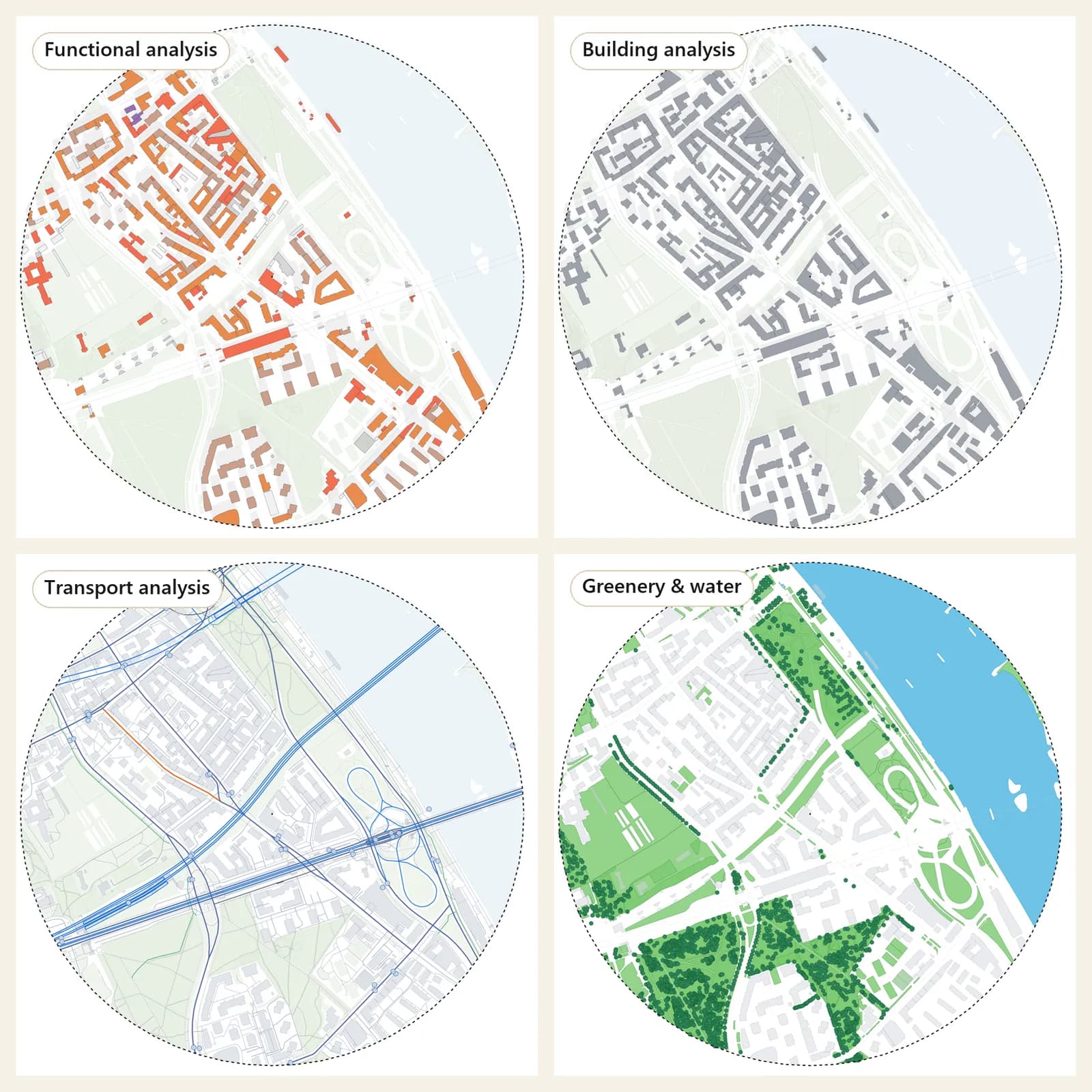
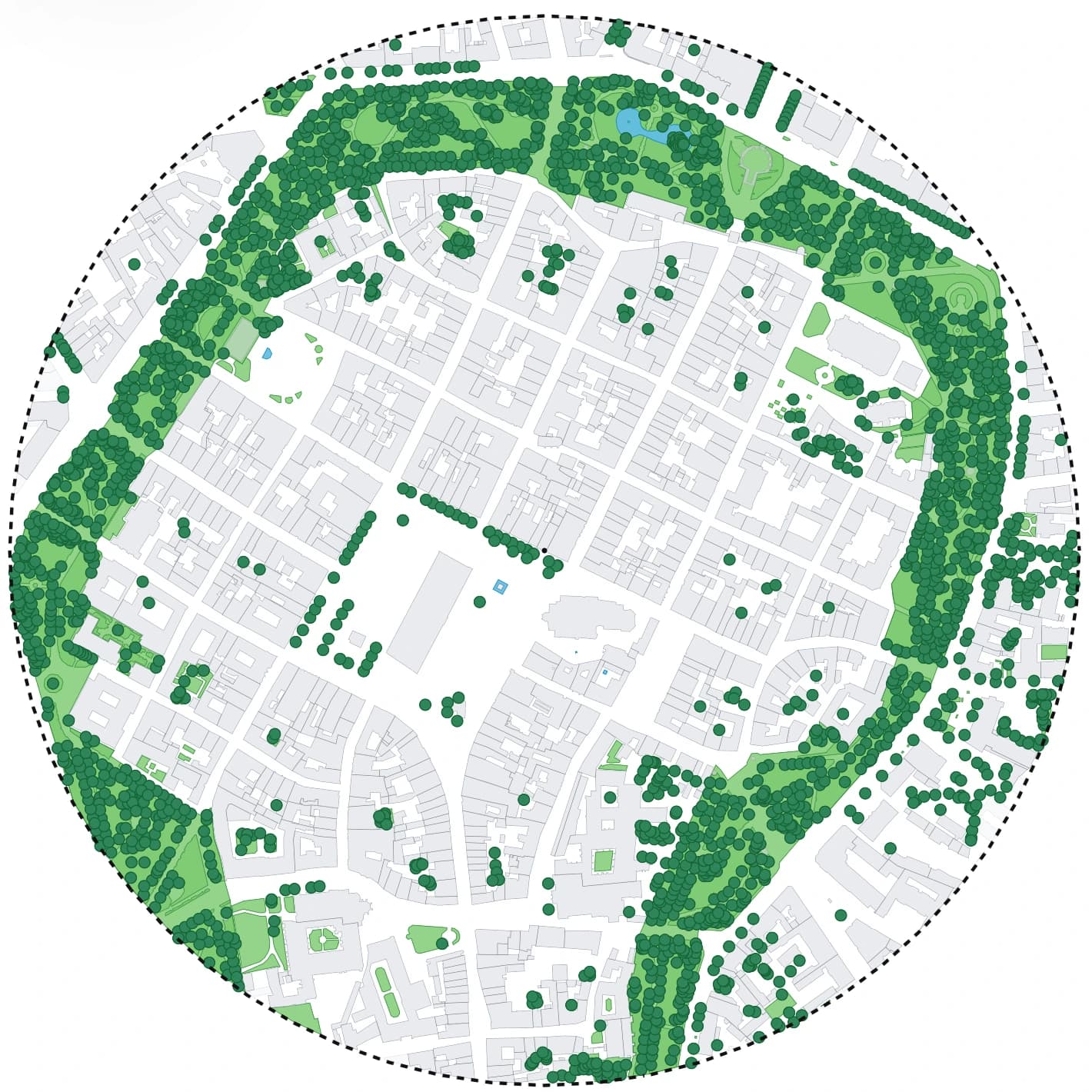
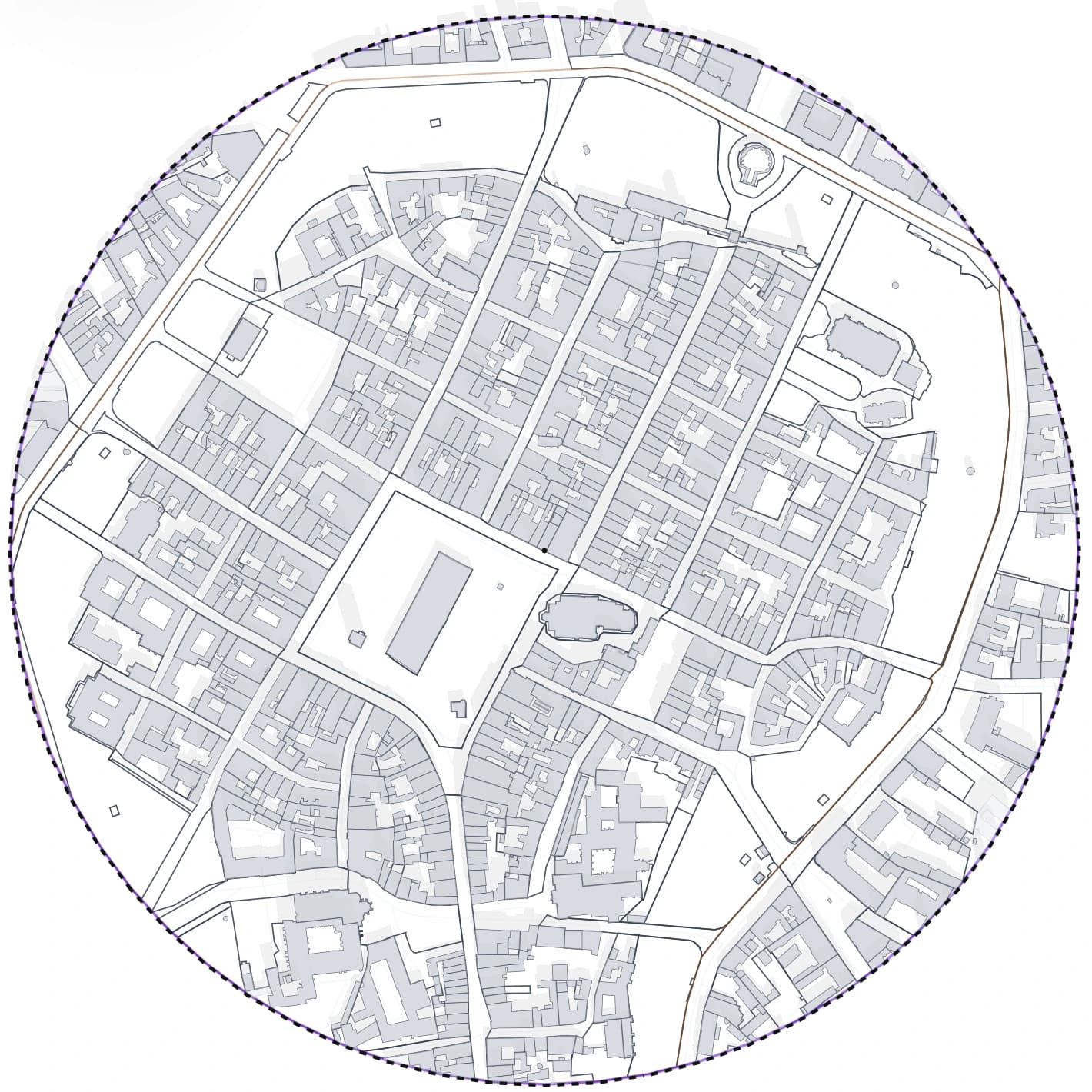
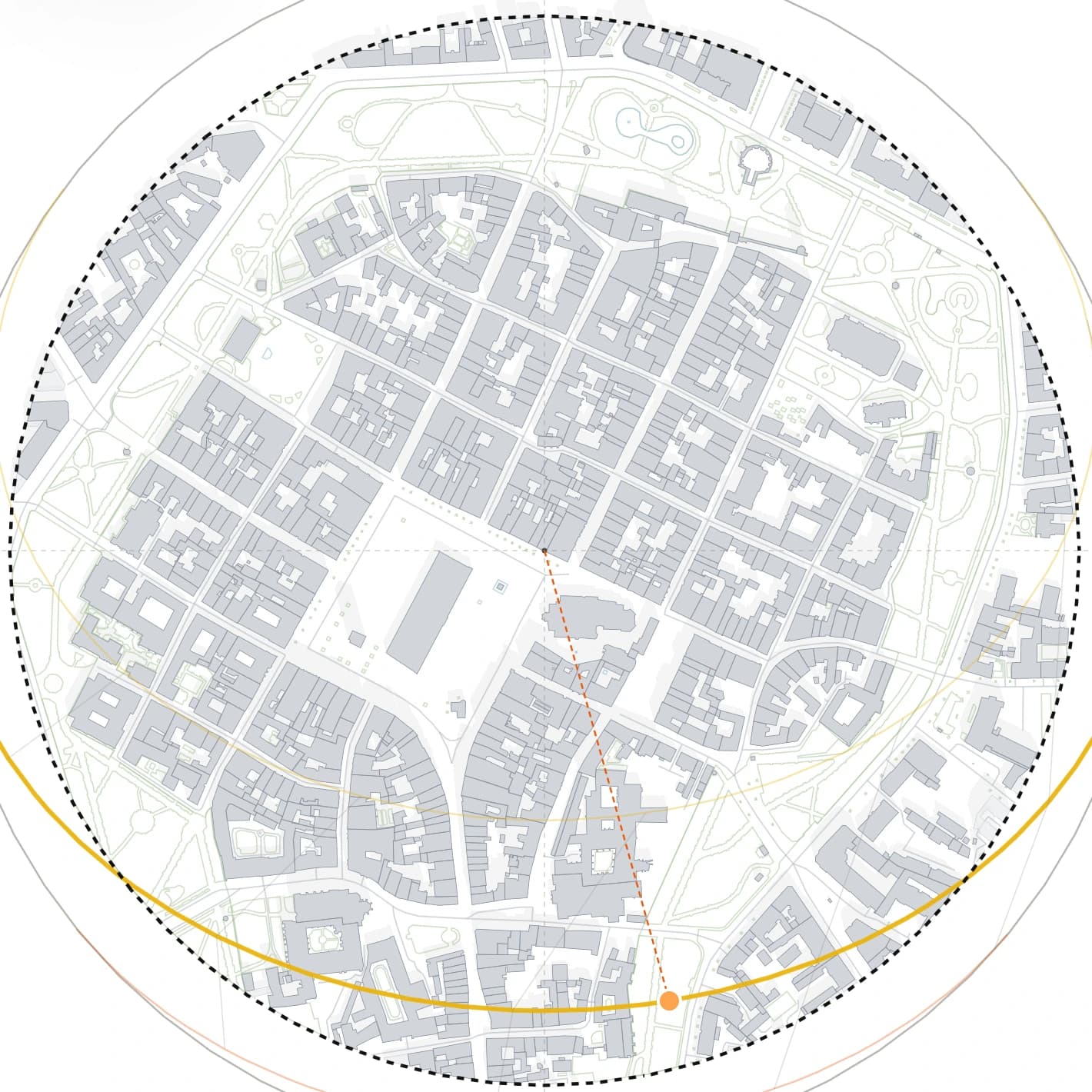
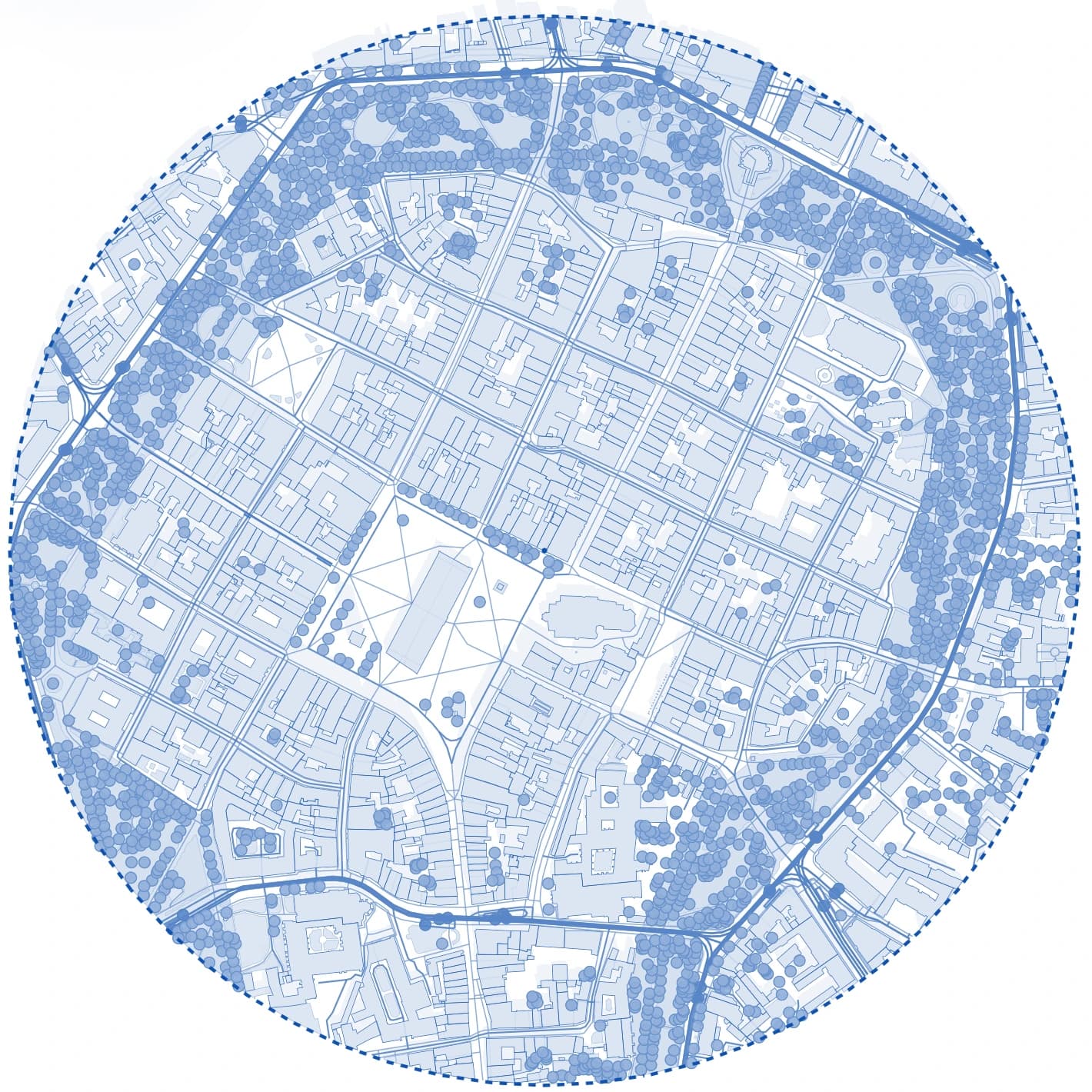
Web appBuilt for the step after the data download. You draw the area once, switch between analysis presets, check the site in 3D with real shadows and export a sheet that is close to finished. Covers Poland with official national data and 50 European countries with OpenStreetMap.
Detailed comparison- Best for
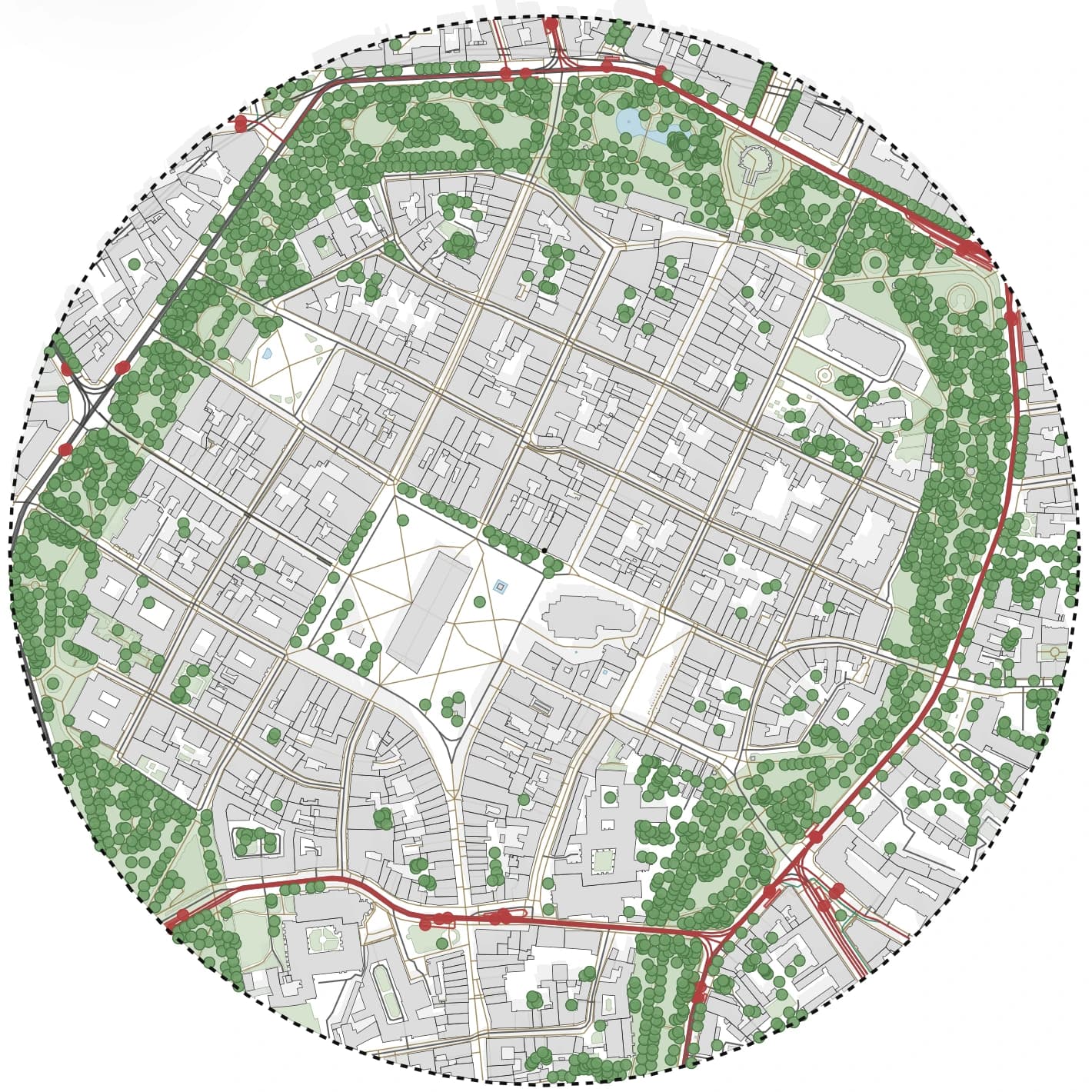
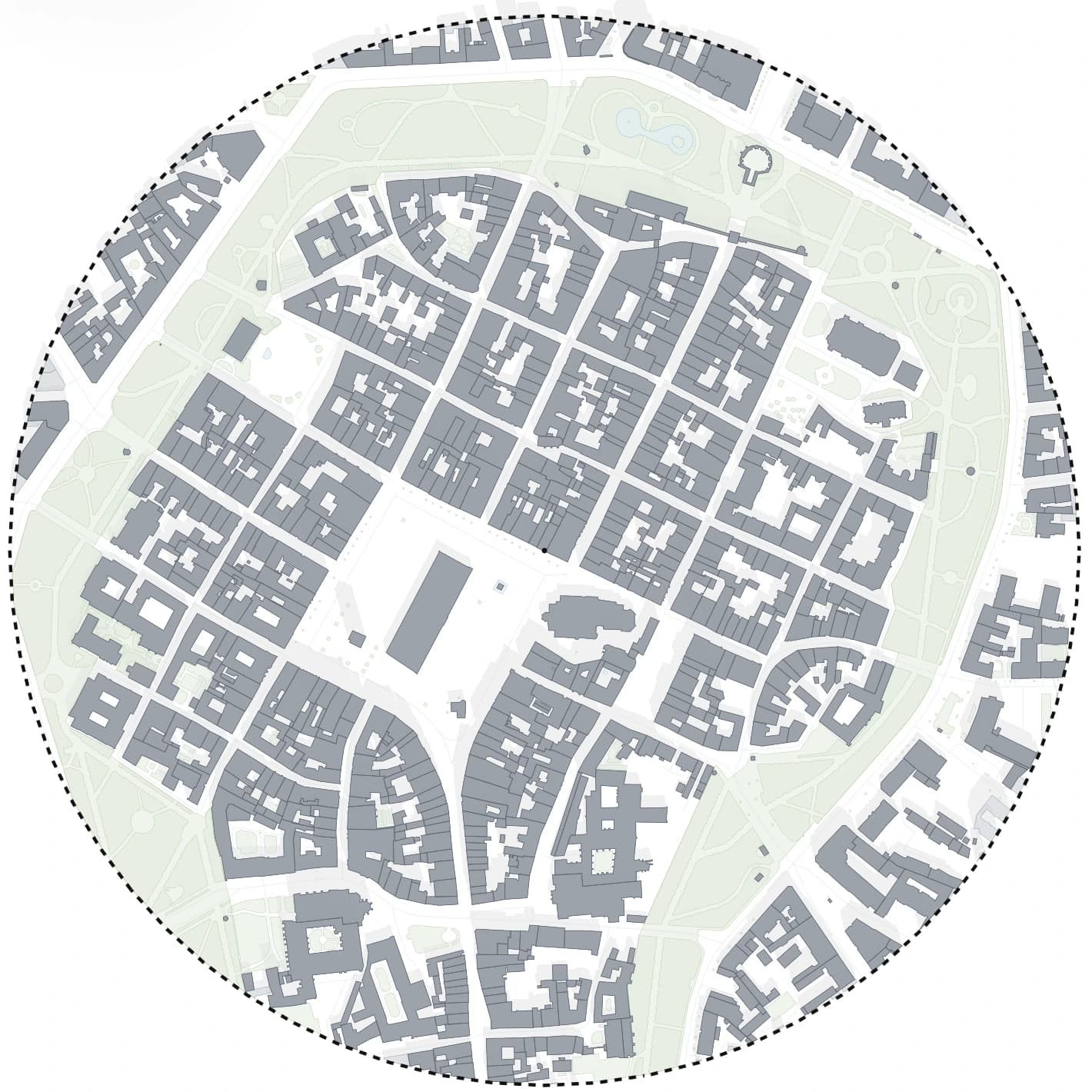
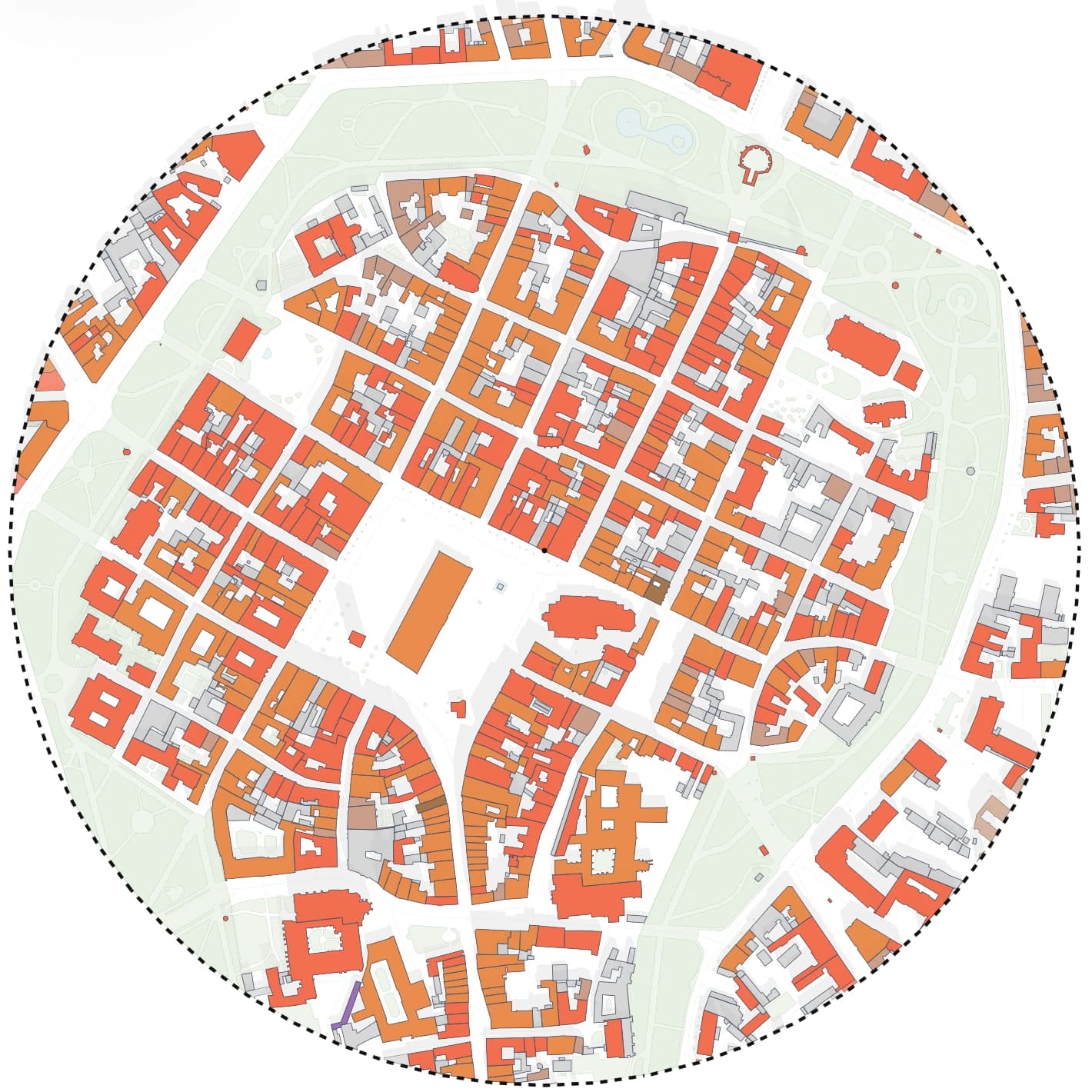
- Styled site analysis: figure-ground, transport, greenery, building use, sun study and 3D from one study area
- Outputs
- PDF at scale, PNG up to 8K, DXF, SVG, GeoJSON; terrain as DXF contours, LandXML or XYZ in Poland
- Pricing
- Free plan with 5 tokens a month; DXF, SVG and GeoJSON on the Student and Solo plans
- 02
TopoExport
Web appA strong pick when terrain and BIM formats matter more than presentation. It builds on official geographic data, which makes it most detailed where those national sources are available. Expect to style and compose the diagram in your own CAD or graphics software.
Detailed comparison- Best for
- Terrain, contours and 3D city models for CAD and BIM, especially on French sites
- Outputs
- DXF, IFC, STL, OBJ, PDF and SVG, according to its public listings
- Pricing
- Free export in a basic mode; paid options on the TopoExport site
- 03
Equator
Web appLeans towards survey-style data: elevation models, point clouds and wide format support. Useful when you need terrain in a specific GIS or 3D format, less so when you need a styled context drawing.
- Best for
- Terrain and point-cloud data in many GIS and 3D formats
- Outputs
- DWG, OBJ, STL, SHP, LAZ, TIF, PNG and more
- Pricing
- Free tier with a limited number of exports; paid subscriptions above that
- 04
PlaceMaker
SketchUp and RhinoIdeal if your whole workflow lives in SketchUp or Rhino and you want an editable massing model with photo texture. It is a modelling tool, so 2D analysis diagrams are still yours to draw.
- Best for
- 3D context models with aerial imagery directly inside SketchUp, or dragged into Rhino
- Outputs
- Native SketchUp and Rhino geometry: buildings, roads, water, terrain, aerials
- Pricing
- Pay-as-you-go credits for imports; previews are free
- 05
BlenderGIS
Free Blender add-onCosts nothing and gives full control, which suits students who already use Blender. Setup takes time, building heights depend on OpenStreetMap tags, and getting clean CAD linework out of Blender needs extra steps.
- Best for
- Free 3D city and terrain models for rendering and visualisation
- Outputs
- Blender geometry from OpenStreetMap, elevation data and basemap tiles
- Pricing
- Free and open source
- 06
QGIS with OpenStreetMap
Free desktop GISThe most flexible route: load OpenStreetMap with the QuickOSM plugin, add national datasets and export to DXF. It is also the slowest, and every new site means repeating the styling. Worth learning if GIS is part of your job.
- Best for
- Full control over raw data, coordinate systems and any GIS layer you can find
- Outputs
- DXF, SVG, PDF, GeoJSON, Shapefile and most other GIS formats
- Pricing
- Free and open source
Why people switch
What CADMapper does well, and where architects hit its limits
CADMapper turns OpenStreetMap and elevation data into a DXF, Rhino, SketchUp or Illustrator file in a few minutes, and areas up to 1 km² are free with an account. The limits show up one step later: larger areas are paid, data quality follows OpenStreetMap in each city, and the output is linework that you still have to layer, style and compose before it reads as an analysis.
- great for a first DXF base of a small site
- less help with diagrams, presets or sun studies
- every new view of the same site starts again in CAD
How to choose
Pick the alternative by the output you need on Monday morning
If you need a board-ready context diagram or several analysis maps of one site, start with a tool that styles and exports for you. If you need terrain for BIM, choose a terrain-first tool. If you model everything in SketchUp or Rhino, a plugin saves the import step. If you need total control and have time, QGIS is free.
- diagrams and presentation sheets: Gridded
- terrain and BIM formats: TopoExport or Equator
- 3D context inside SketchUp or Rhino: PlaceMaker
- zero budget and time to learn: BlenderGIS or QGIS
Workflow
How to test any CADMapper alternative in under an hour
Use one real site you know well. A tool that looks good on its demo city can behave very differently on your street, so judge the result on your own project.
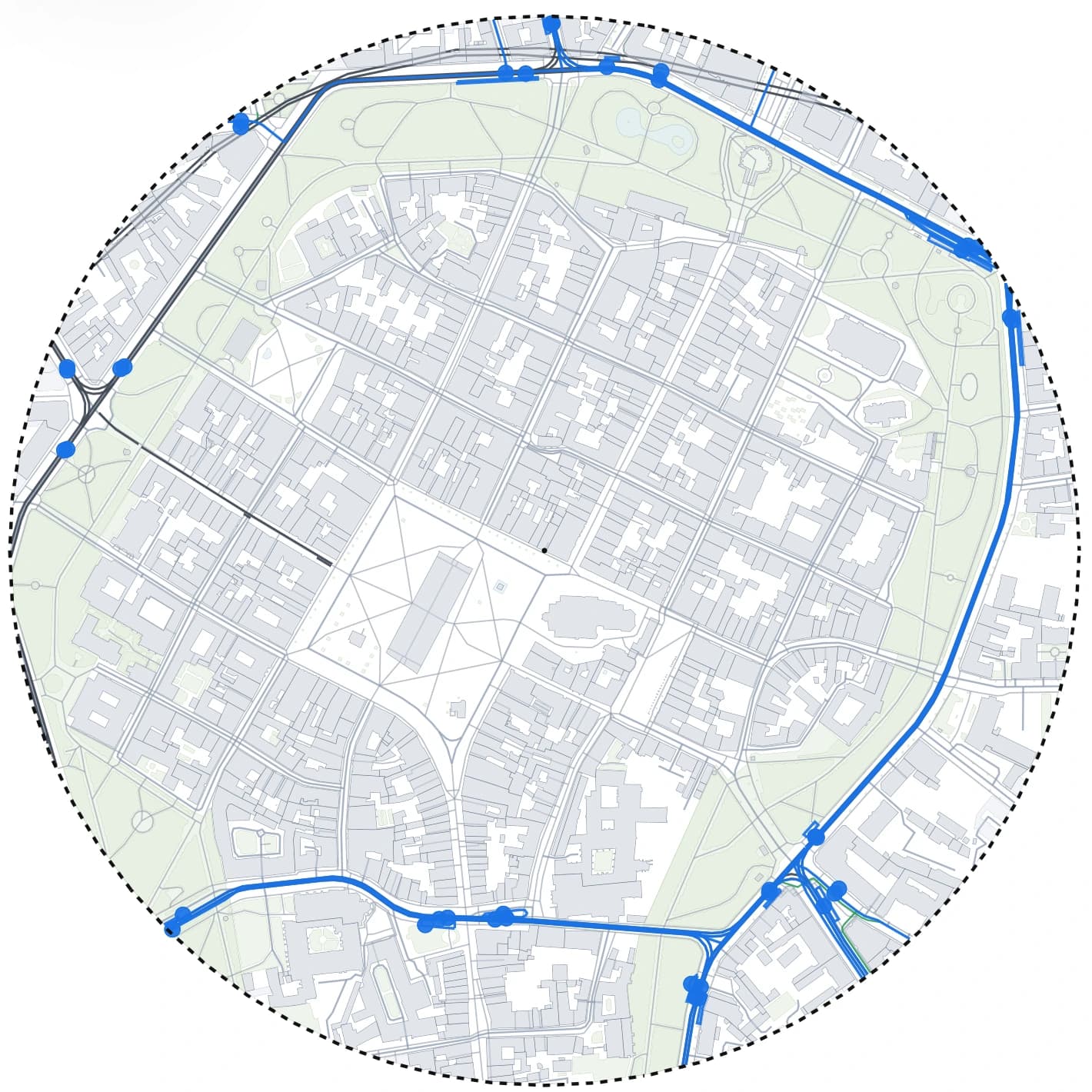
Pick a site with a mix of buildings, greenery and transport
An old town edge or a riverside block shows quickly how each tool handles building heights, water, trees and tram lines.
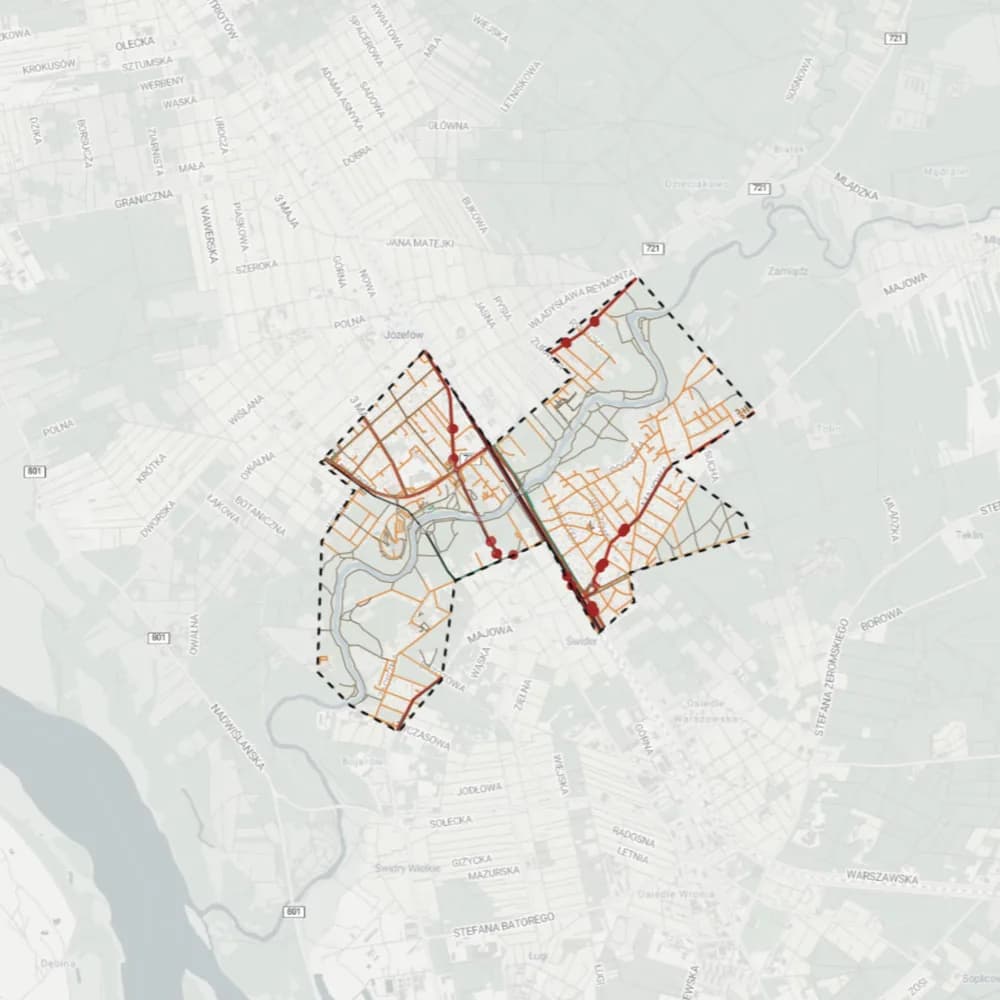
Export the same area from two or three tools
Keep the same extent and scale, so the only difference is the tool. Note how long each export takes, including sign-up and download.
Open each file in your CAD software and count the clean-up
Check layers, line weights, closed building outlines and whether text or symbols come in as garbage. The tool that leaves you with the least clean-up is usually the cheapest one in practice.
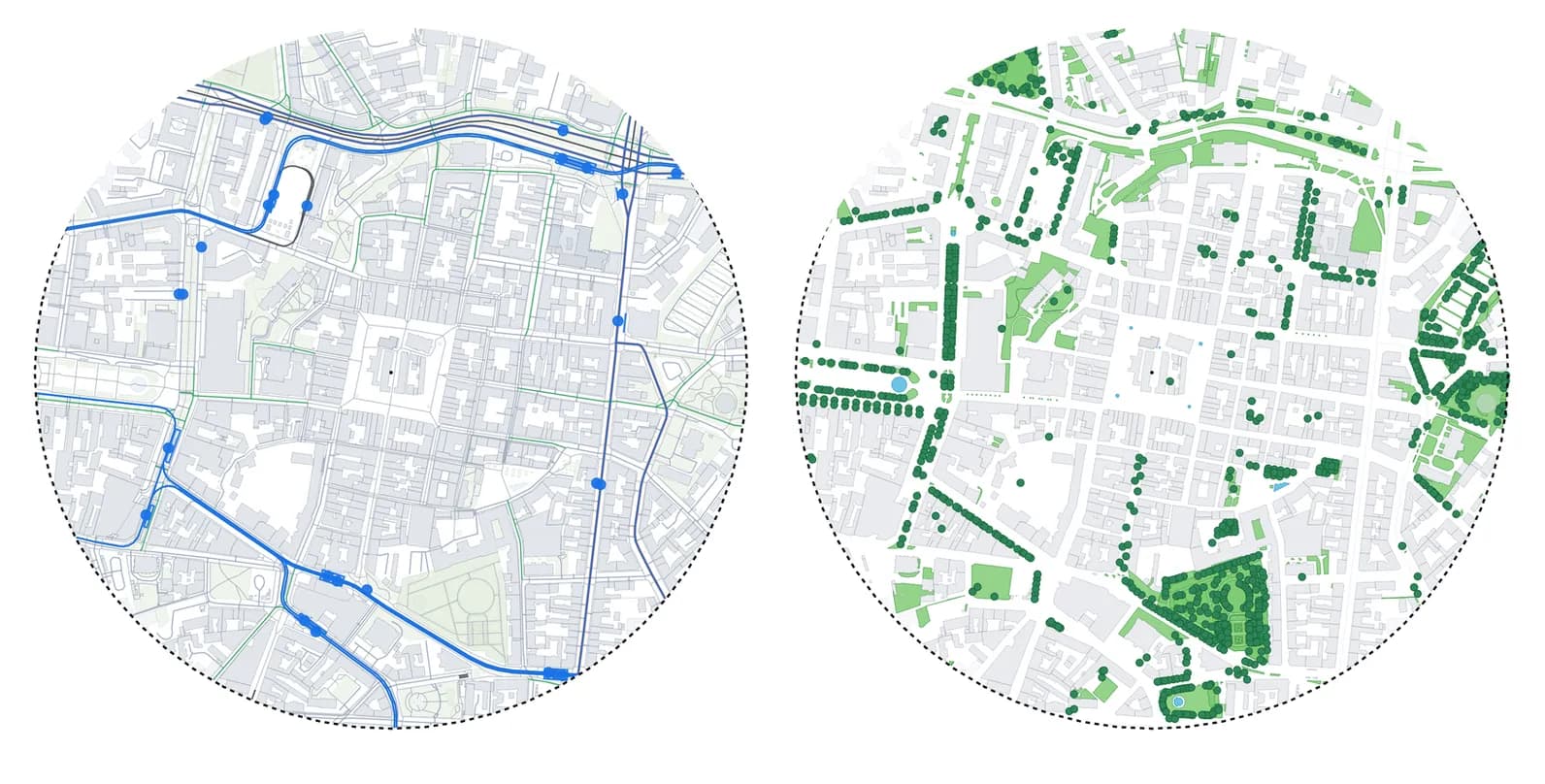
Make the diagram you actually need for the next review
A figure-ground, a transport map or a shadow study. This step shows whether the tool ends at data or helps you all the way to the drawing on the board.
What you get
What Gridded gives you from one site
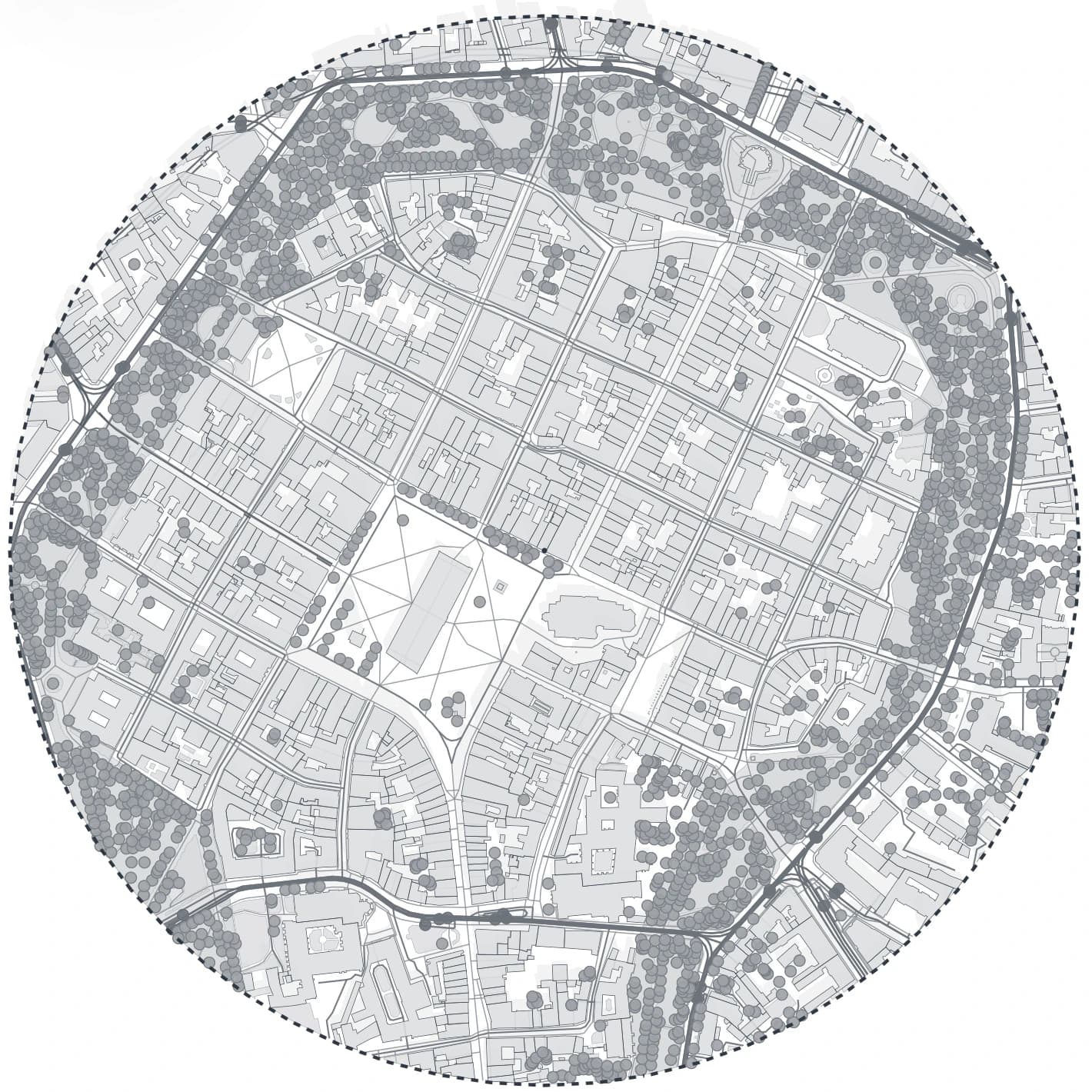
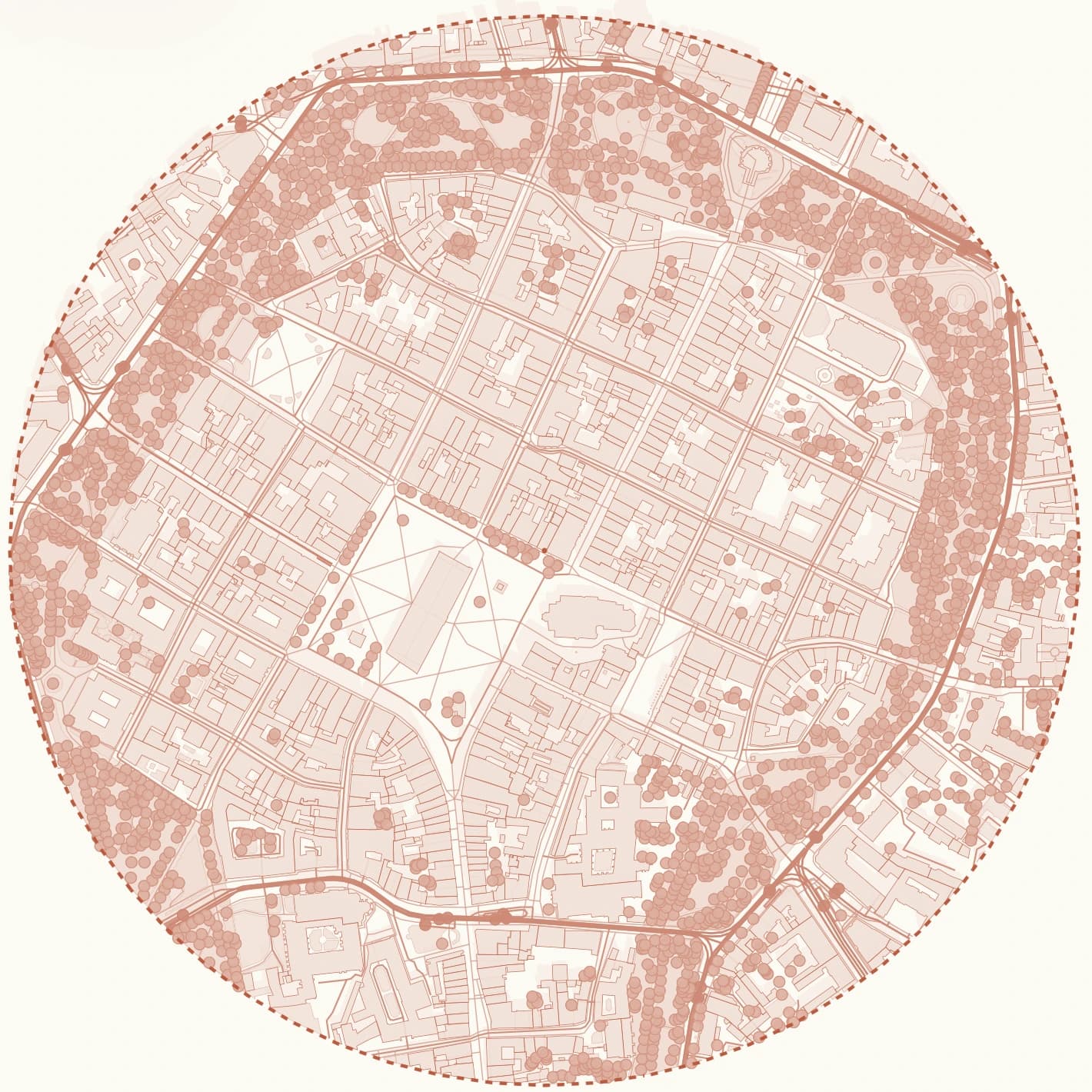
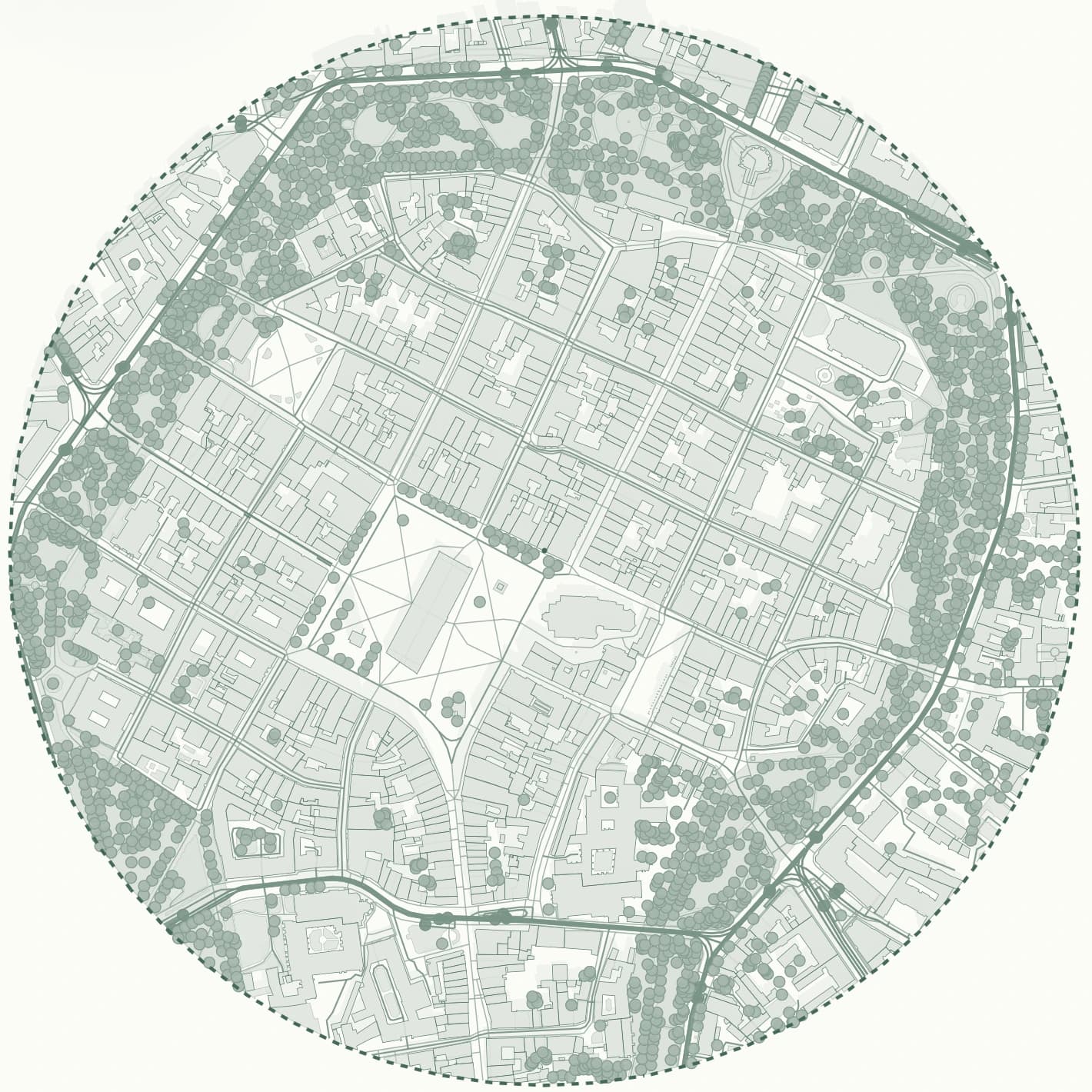
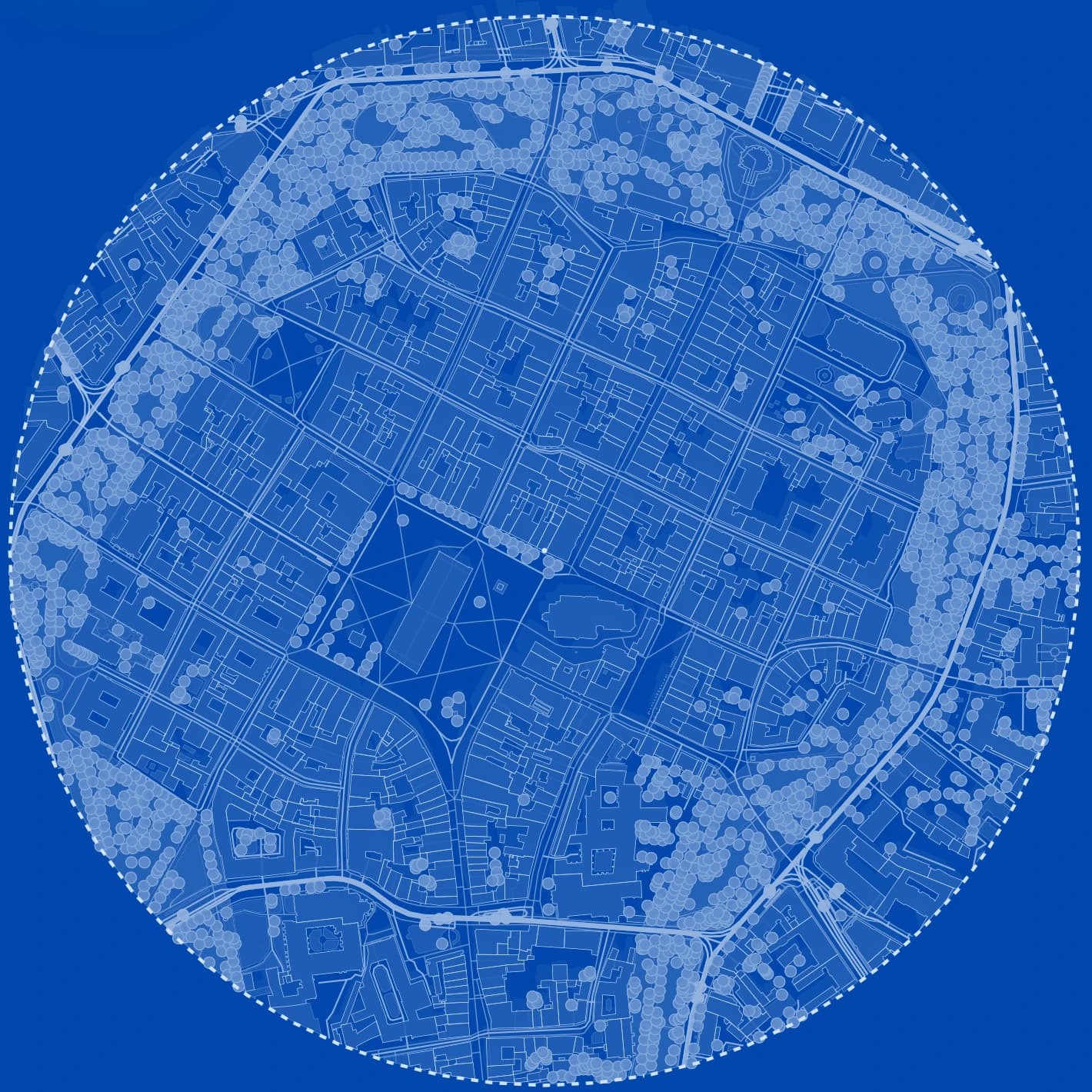
If you try Gridded as your alternative, this is what one generated study area turns into without starting again.
- diagram-ready context map for boards and early client decks
- clean DXF or SVG base for CAD and Illustrator refinement
- one saved preset for each visual direction: context, transport, greenery, sun study
- 2D and 3D views of the same site, ready for the next design review
Frequently asked questions
Is there a free CADMapper alternative?
Yes. QGIS and BlenderGIS are free and open source but take time to learn. Gridded has a free plan with 5 tokens a month, which is enough for several small study areas with PDF exports, and TopoExport and Equator have free tiers with limits.
Which CADMapper alternative is best for students?
If you need diagrams for a studio project fast, a tool that styles the map for you saves the most time. If you already know Blender or QGIS and have time, the free routes cost nothing. Gridded also has a Student plan once paid plans open.
Which alternative works for sites outside the US?
Poland and the rest of Europe: 50 countries and territories, from Portugal and Ireland to Finland and Greece. Everywhere you get buildings, building use, roads, rail, public transport, water and greenery from OpenStreetMap, the 3D view and the sun study. Polish sites also use official national data: cadastral parcels, terrain, zoning plans, flood and noise maps, and building heights from the national surface model. The app tells you straight away whether a picked area is covered.
How is Gridded priced?
The Free plan gives 5 tokens every month. A study area up to 0.25 km² costs one token, up to 1 km² two tokens, and the largest area (about a 2 km radius) eight. Styling, presets, the 3D view and the sun study never cost extra. Free exports are vector PDF sheets with a small watermark. DXF, SVG and GeoJSON come with the Student and Solo plans, which open when the current free test period ends.
Related pages
A CADMapper alternative built for analysis, iteration and export, not only data extraction.
Architects usually do not need another source of raw map lines. They need a faster way to move from location to a clean, styled, decision-ready site analysis. Below is a practical way to compare Gridded and CADMapper on one real site: what to check, what to export and how much work is still left afterwards.
CADMapper vs TopoExport: two different answers to the same site-data problem.
Both tools give you a site base without drawing it by hand, so they often get compared. They come from different directions, though. CADMapper turns open map data from anywhere into CAD files quickly. TopoExport leans on official geographic data and terrain, with formats for BIM. Which one fits depends on the site, the country and what you do with the file next.
OpenStreetMap to DXF: four ways to get a clean CAD base map of a European site.
OpenStreetMap is the most complete free source of buildings and streets in Europe, but it does not arrive as a drawing. This guide compares the common routes from OpenStreetMap to a layered DXF (QGIS, a converter script, a CAD plug-in and an online generator) and shows where Gridded fits: generate the site once, style it, then export the same project as PDF, DXF or SVG.