Comparison
CADMapper vs TopoExport: two different answers to the same site-data problem.
Both tools give you a site base without drawing it by hand, so they often get compared. They come from different directions, though. CADMapper turns open map data from anywhere into CAD files quickly. TopoExport leans on official geographic data and terrain, with formats for BIM. Which one fits depends on the site, the country and what you do with the file next.
- data sources and terrain quality side by side
- export formats for CAD, BIM and 3D software
- when neither is enough and you need a finished diagram
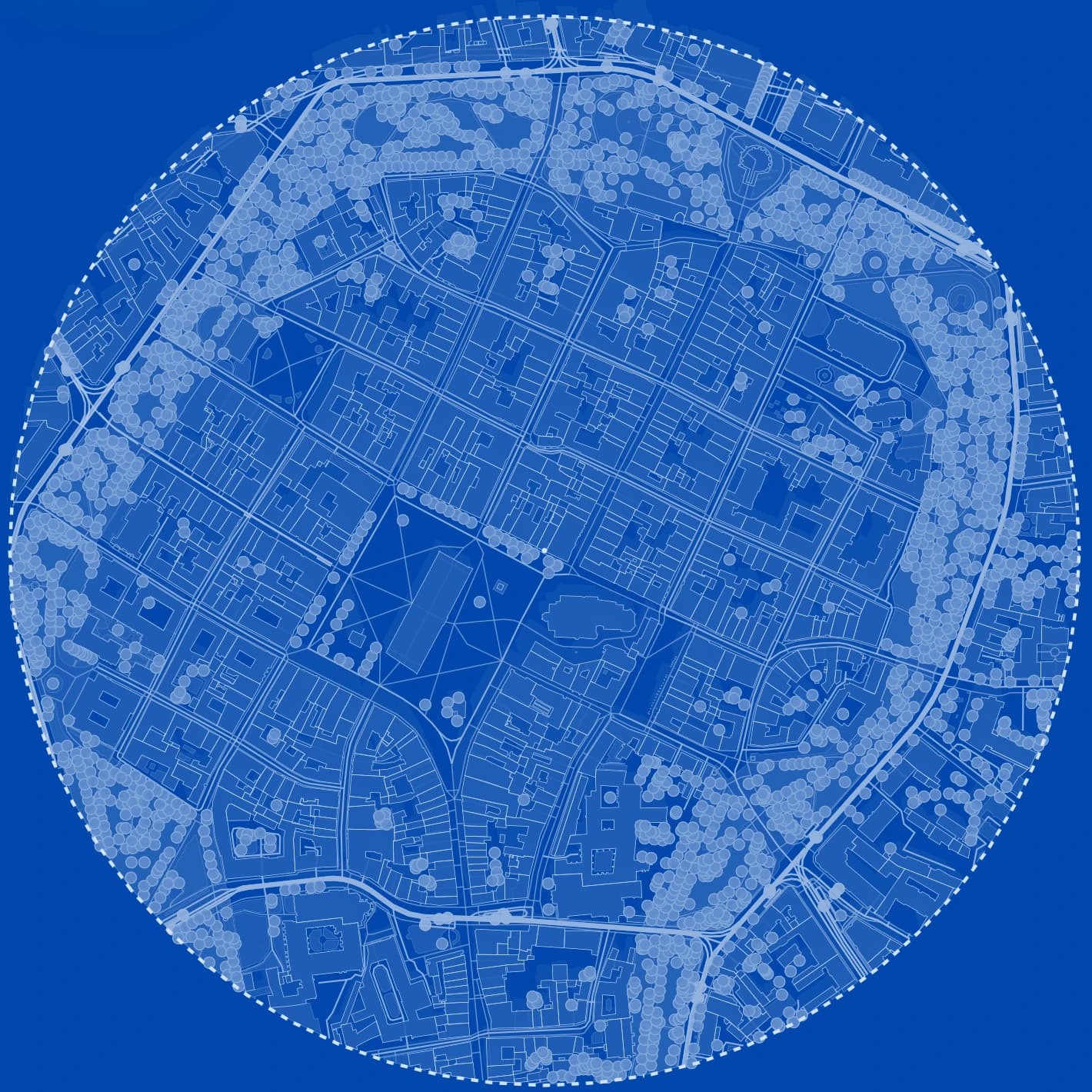
Site plan
CADMapper
Fast, worldwide, made for a quick CAD base
CADMapper converts OpenStreetMap buildings, roads and water, plus elevation data, into DXF, Rhino, SketchUp or Illustrator files. Areas up to 1 km² are free with an account and larger areas are paid. Because the data is open map data, it works almost anywhere, and quality depends on how well each city is mapped.
- best when you need a base in minutes, anywhere
- building heights follow OpenStreetMap tags
- styling and diagrams happen afterwards in your CAD tool
TopoExport
Terrain-first, built on official geographic data
TopoExport synthesises data from national geographic agencies into 2D maps and 3D terrain models, exported as DXF, IFC, STL, OBJ, PDF or SVG. That makes it strong for topography and BIM, and most detailed where those official sources exist, such as in France. A basic export is free, with paid options on the site.
- best when contours and terrain accuracy drive the design
- IFC output for BIM workflows
- check coverage for your country before you rely on it
Workflow
Choosing between them in practice
Ask three questions about the project and the answer usually becomes obvious.
Where is the site?
If the country has rich official data that TopoExport uses, terrain will be better there. Elsewhere, CADMapper's open map data is often the only quick option, and its quality depends on local mapping.
Does terrain change the design?
On a sloping site, contours at a useful interval matter more than anything else, which points to a terrain-first tool. On a flat urban plot, buildings, streets and greenery matter more.

What happens to the file next?
If it goes into Revit or another BIM tool, IFC or LandXML matter. If it goes into AutoCAD as a background, any clean DXF works. If it goes onto a presentation board, you need a styled diagram, which neither tool is built to produce.
What you get
A third option when you need the diagram, not only the data
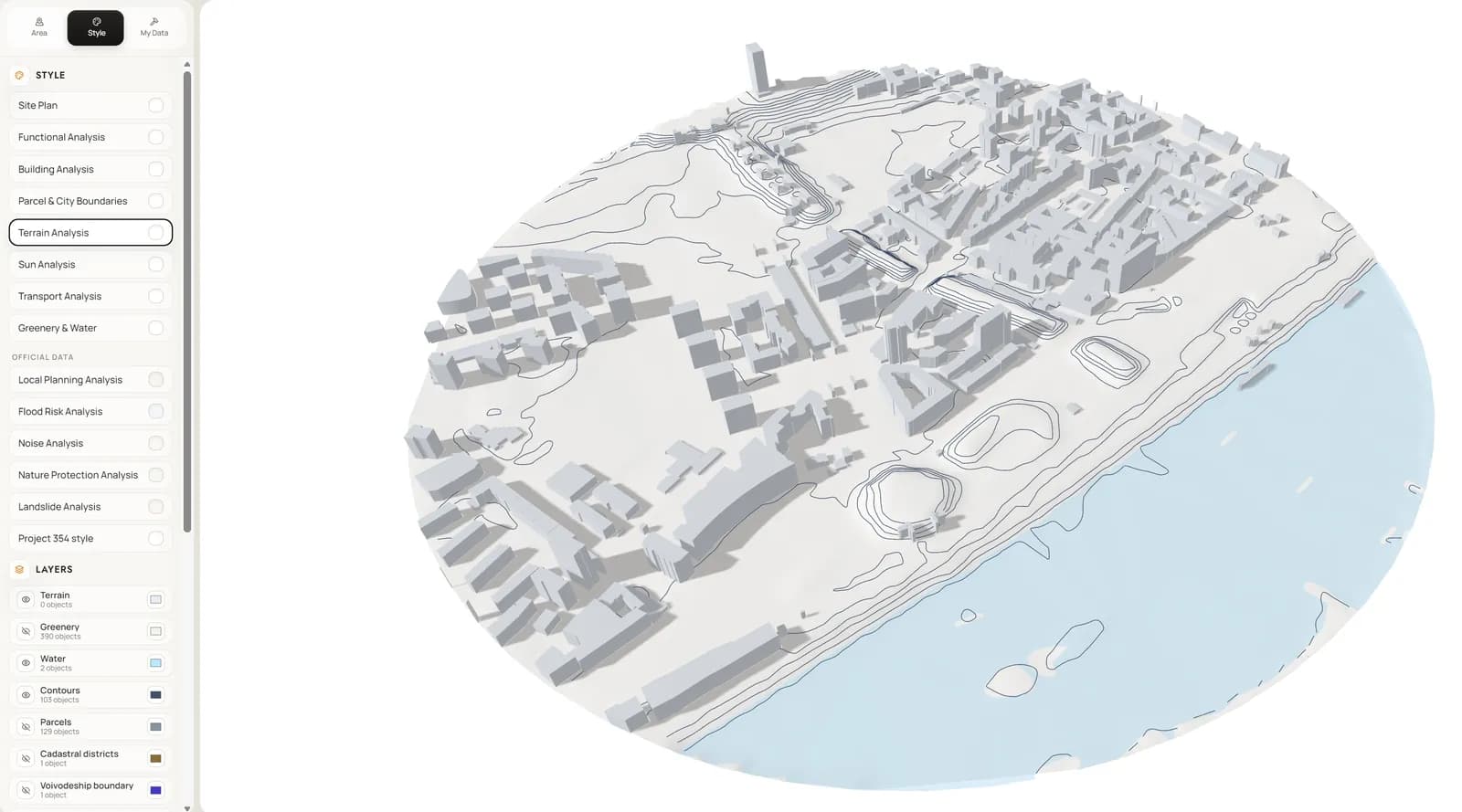
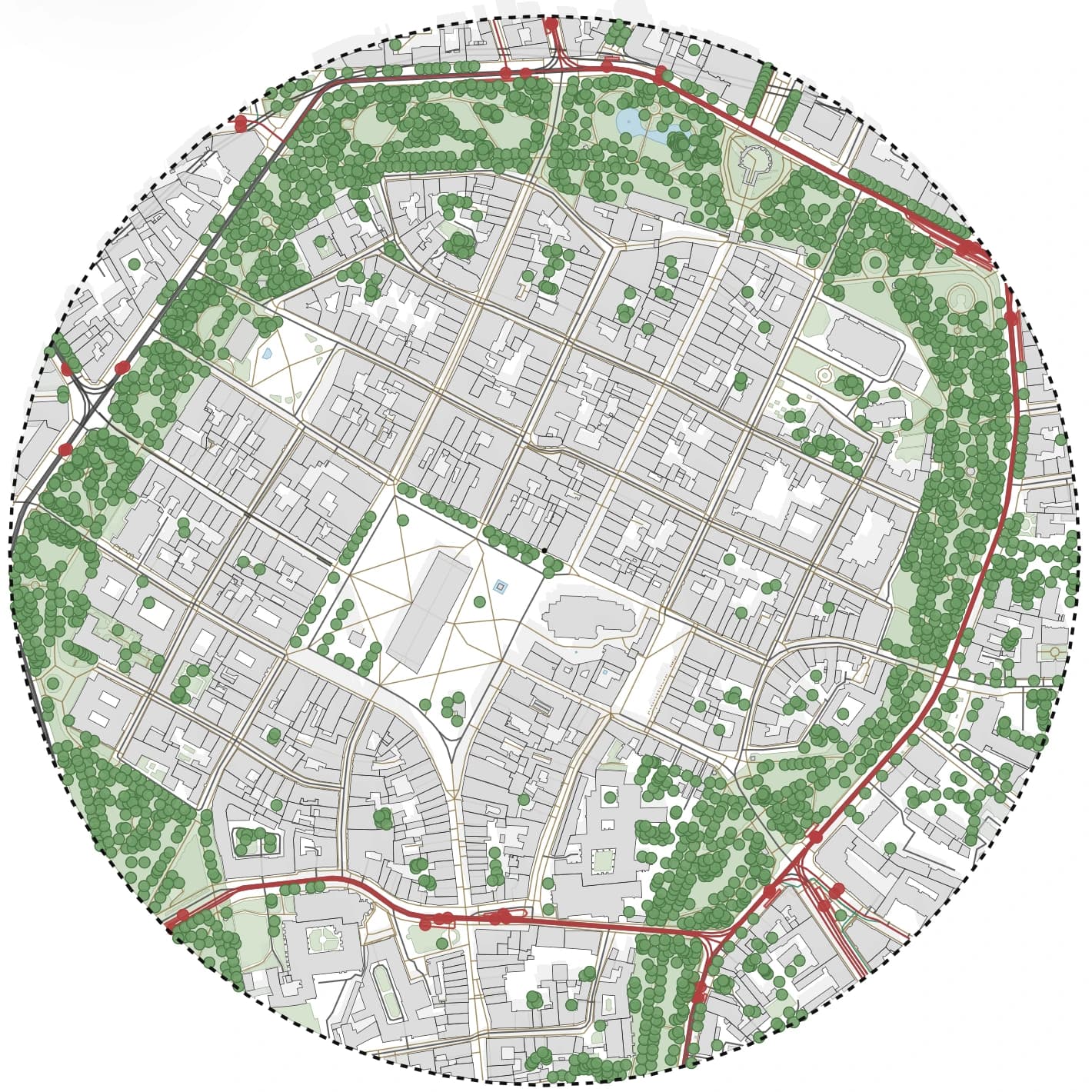
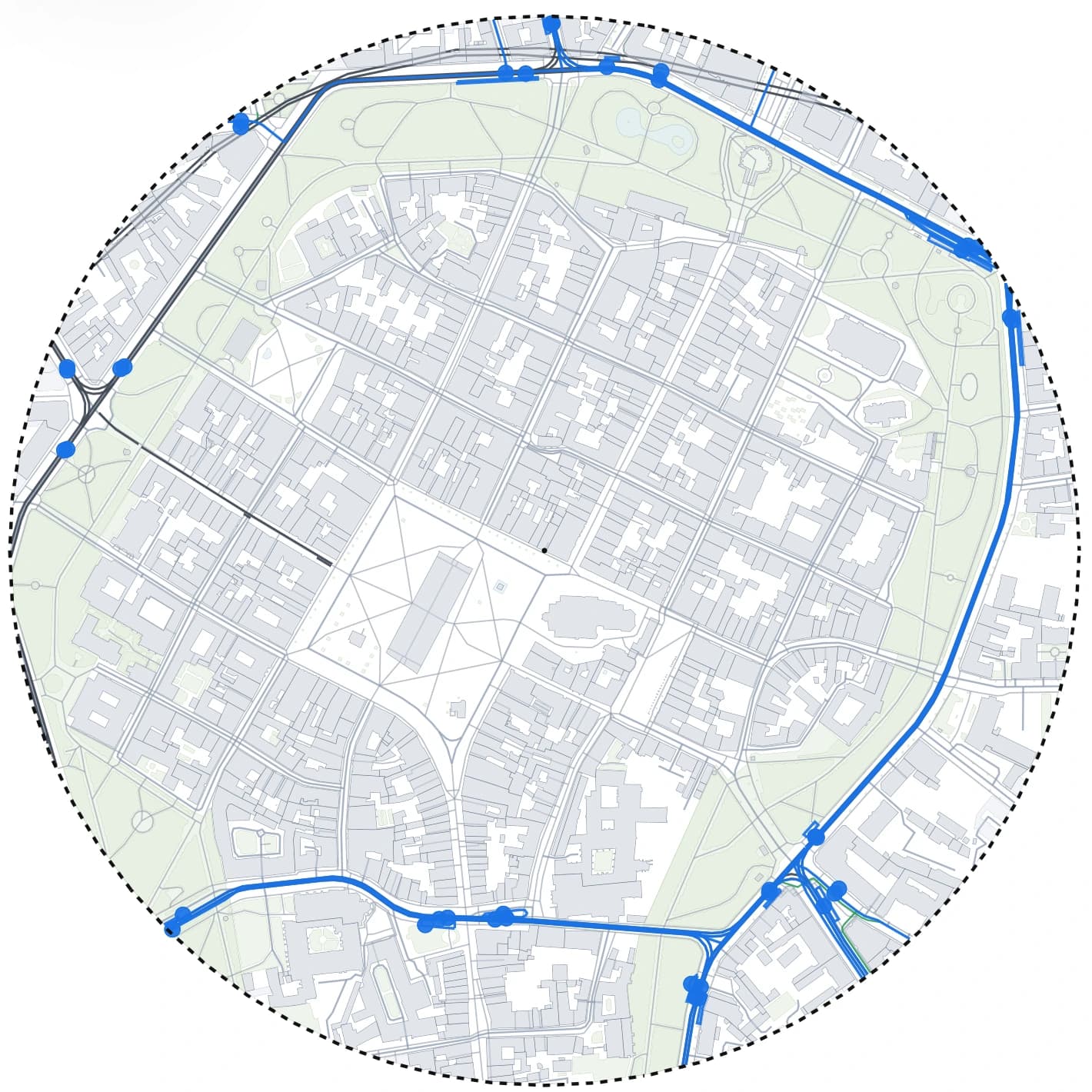
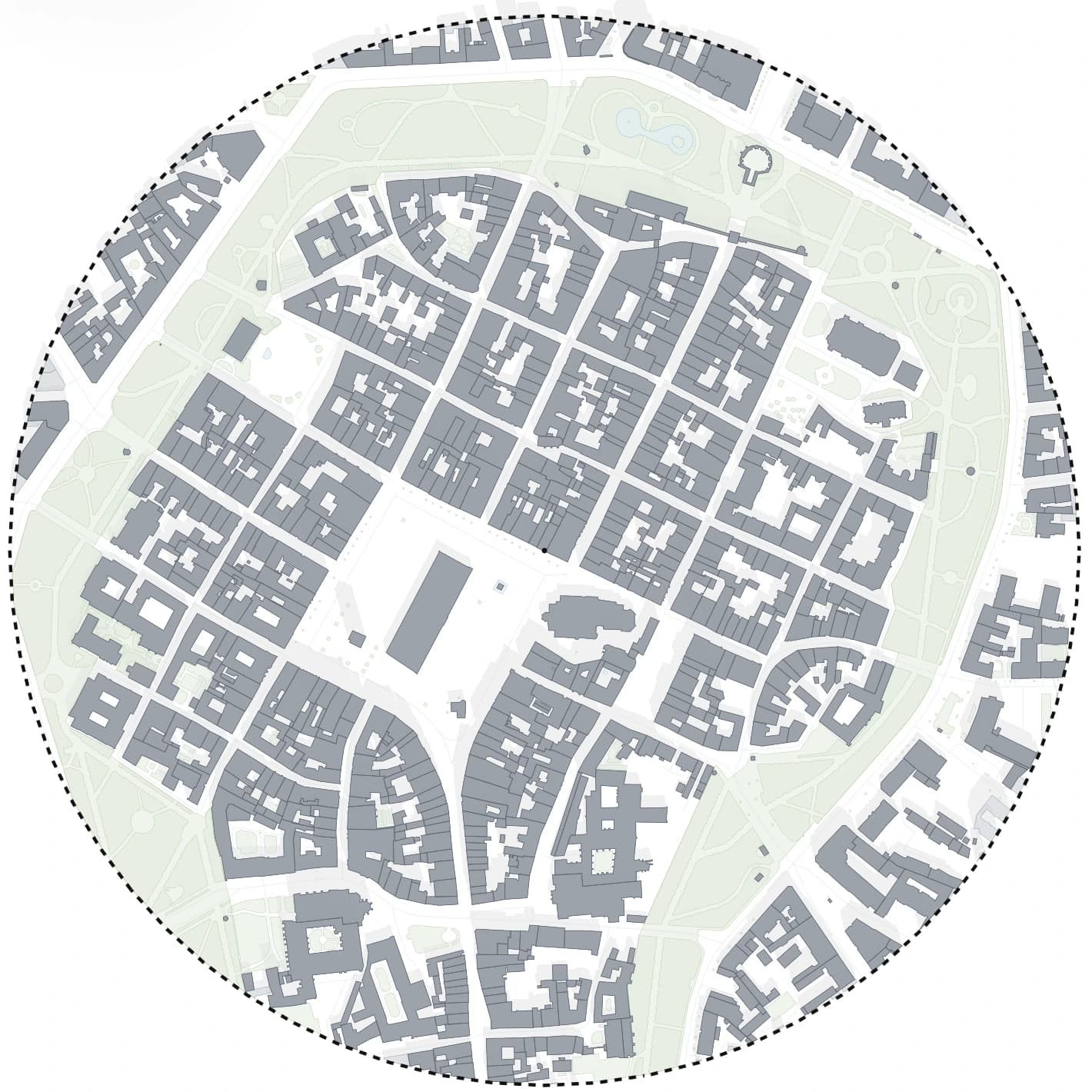
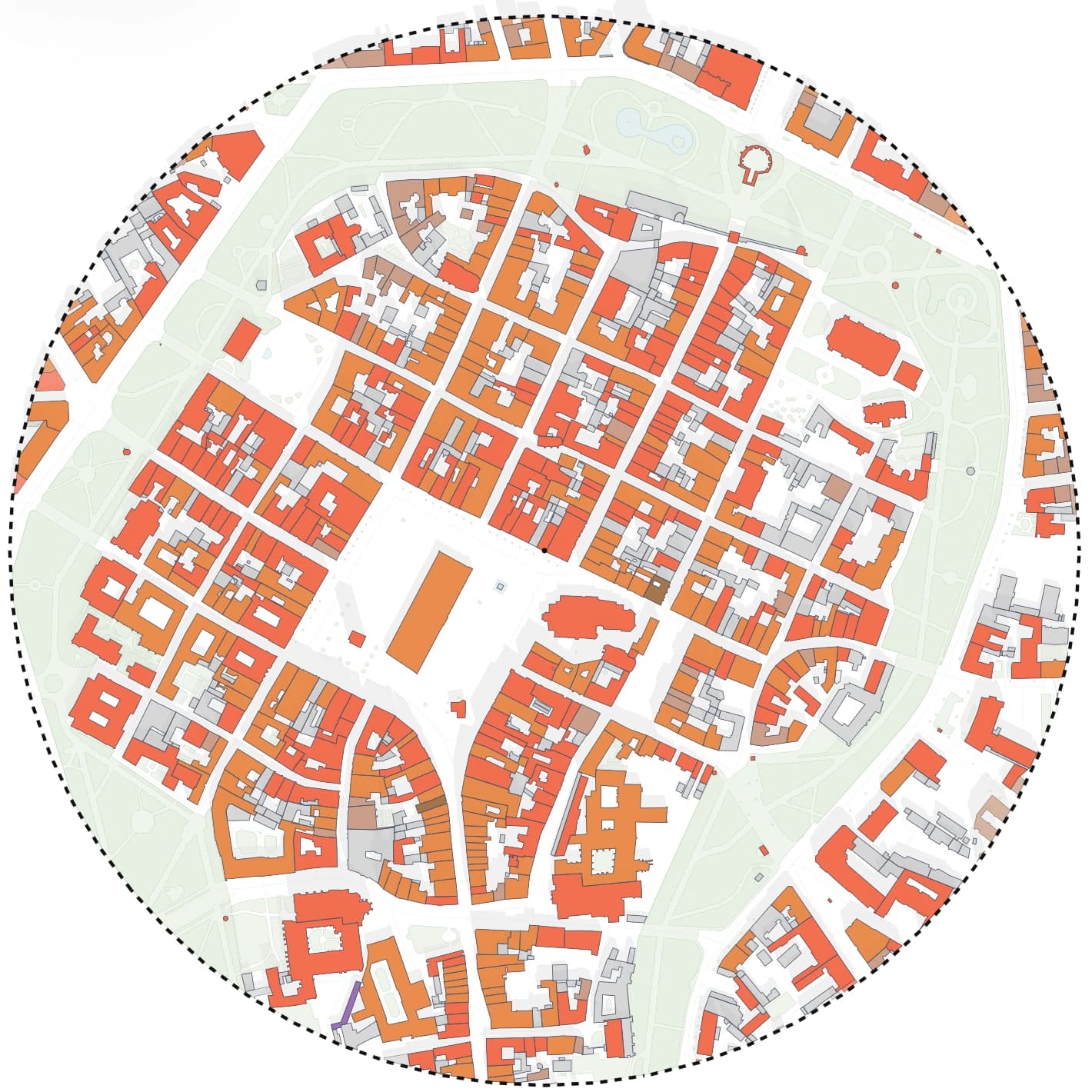
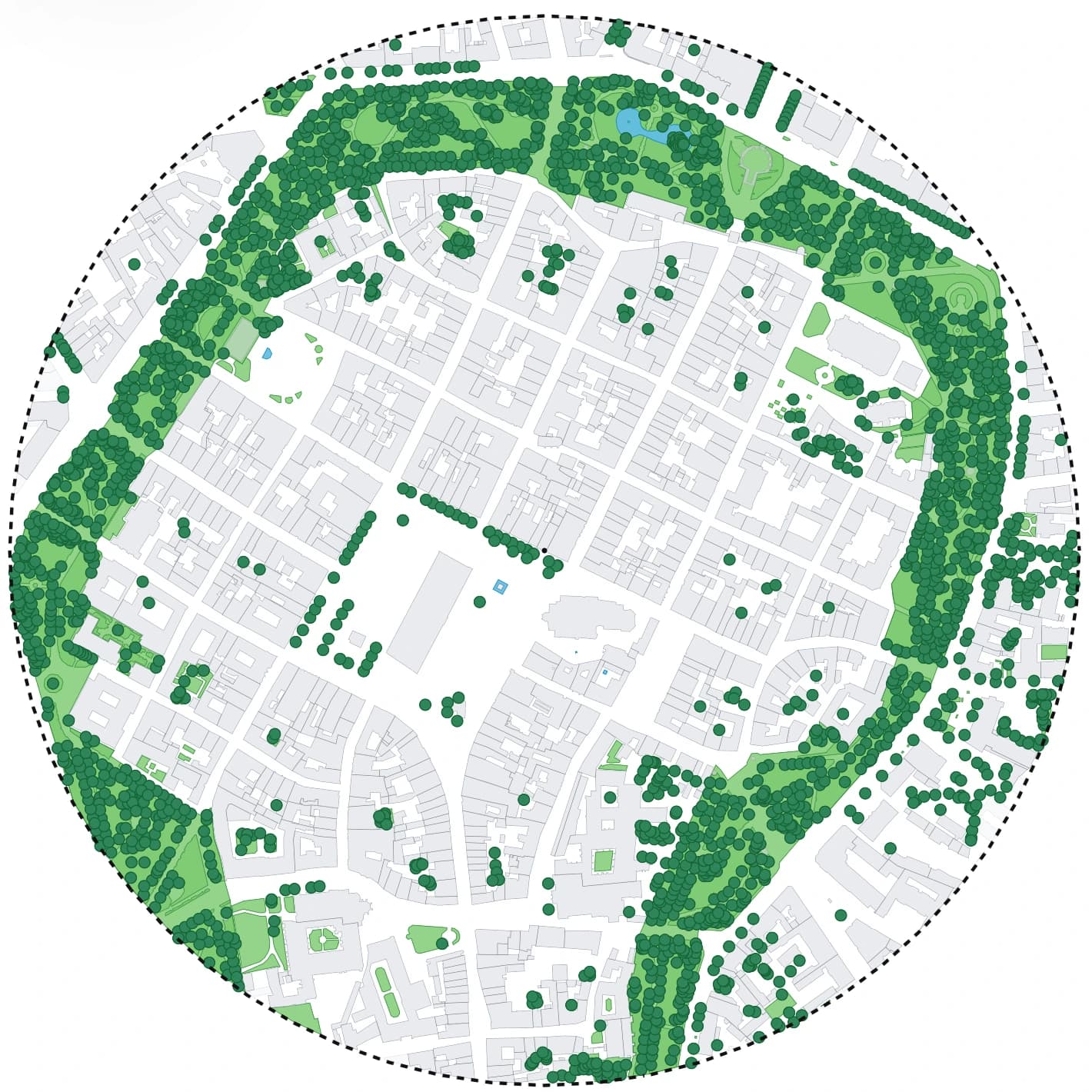
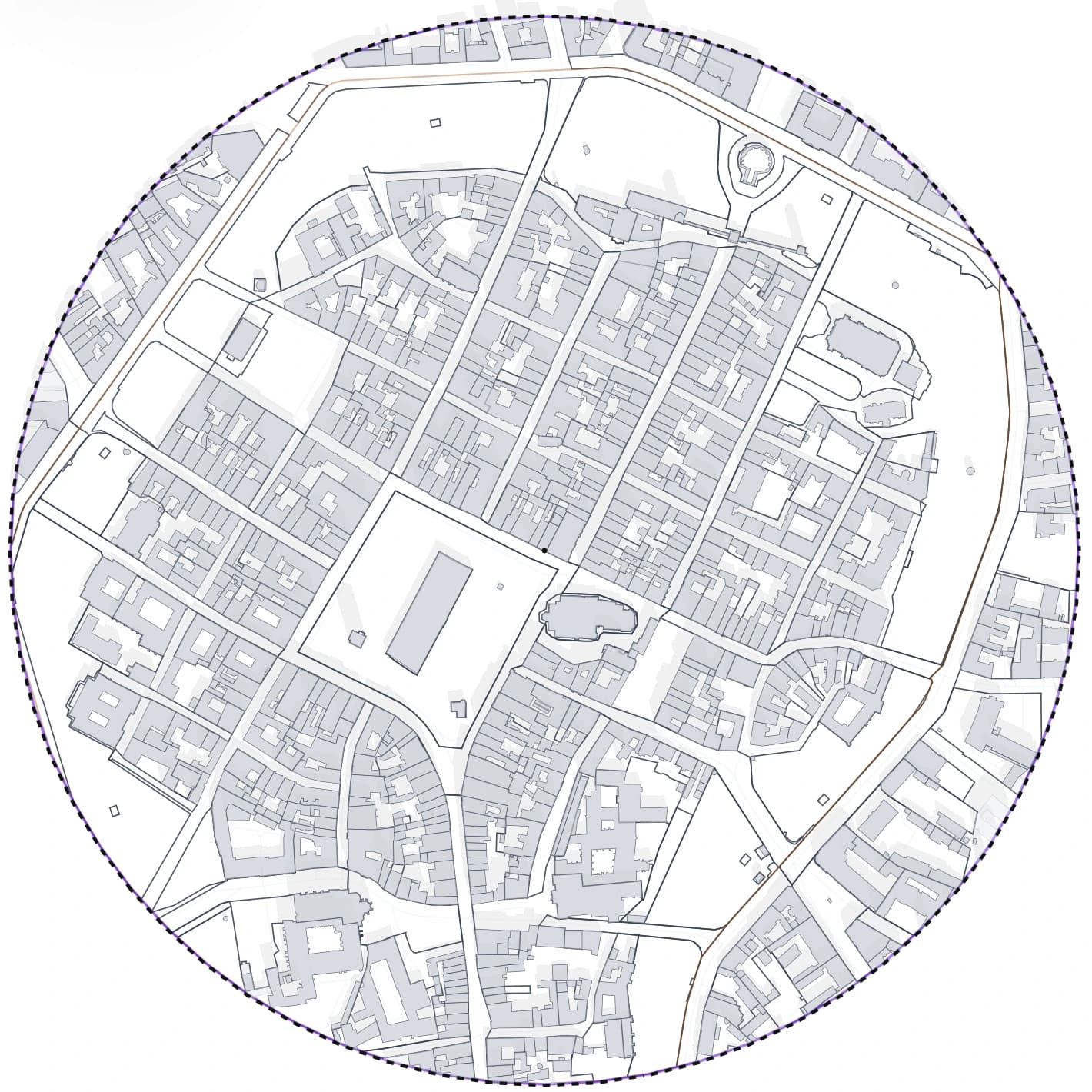
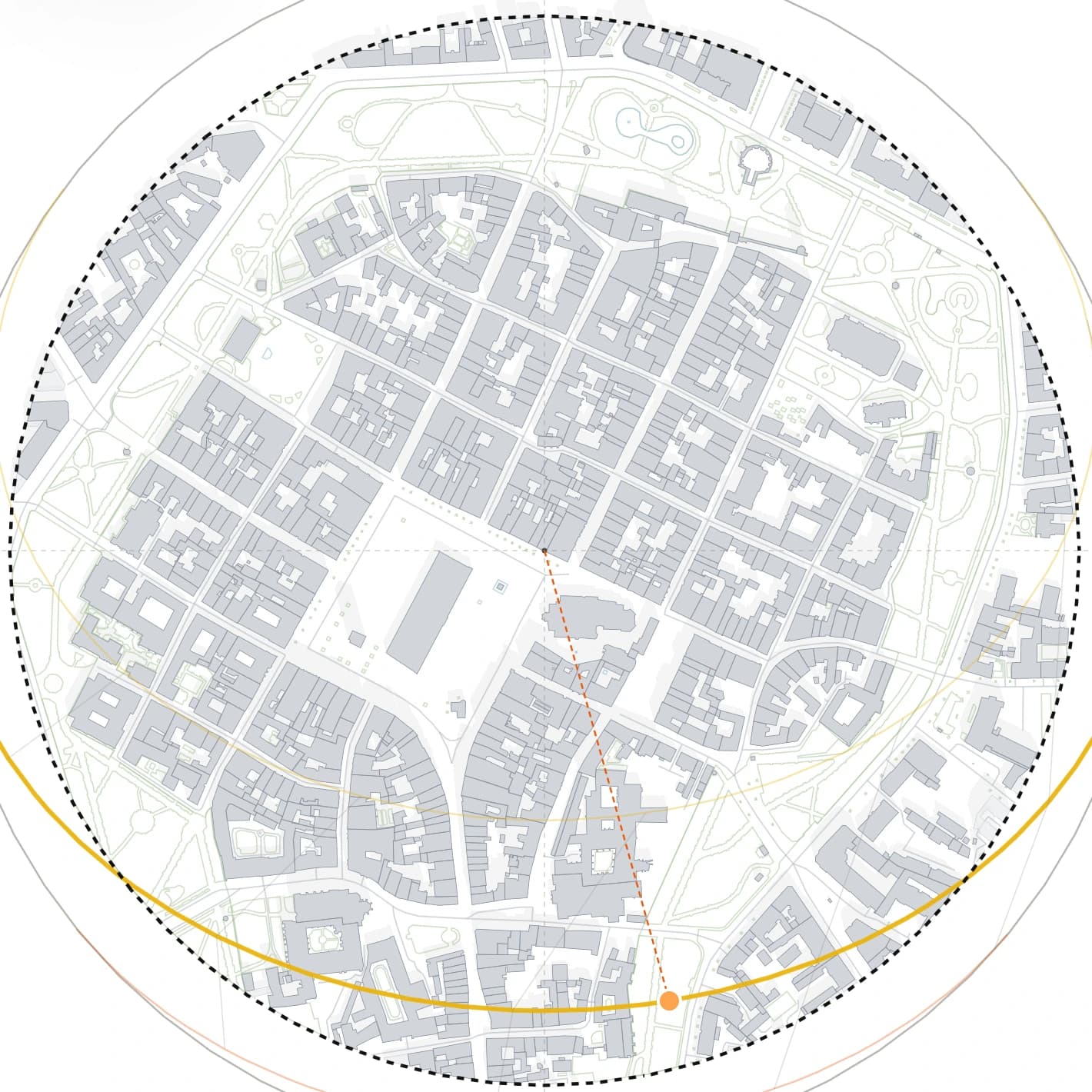
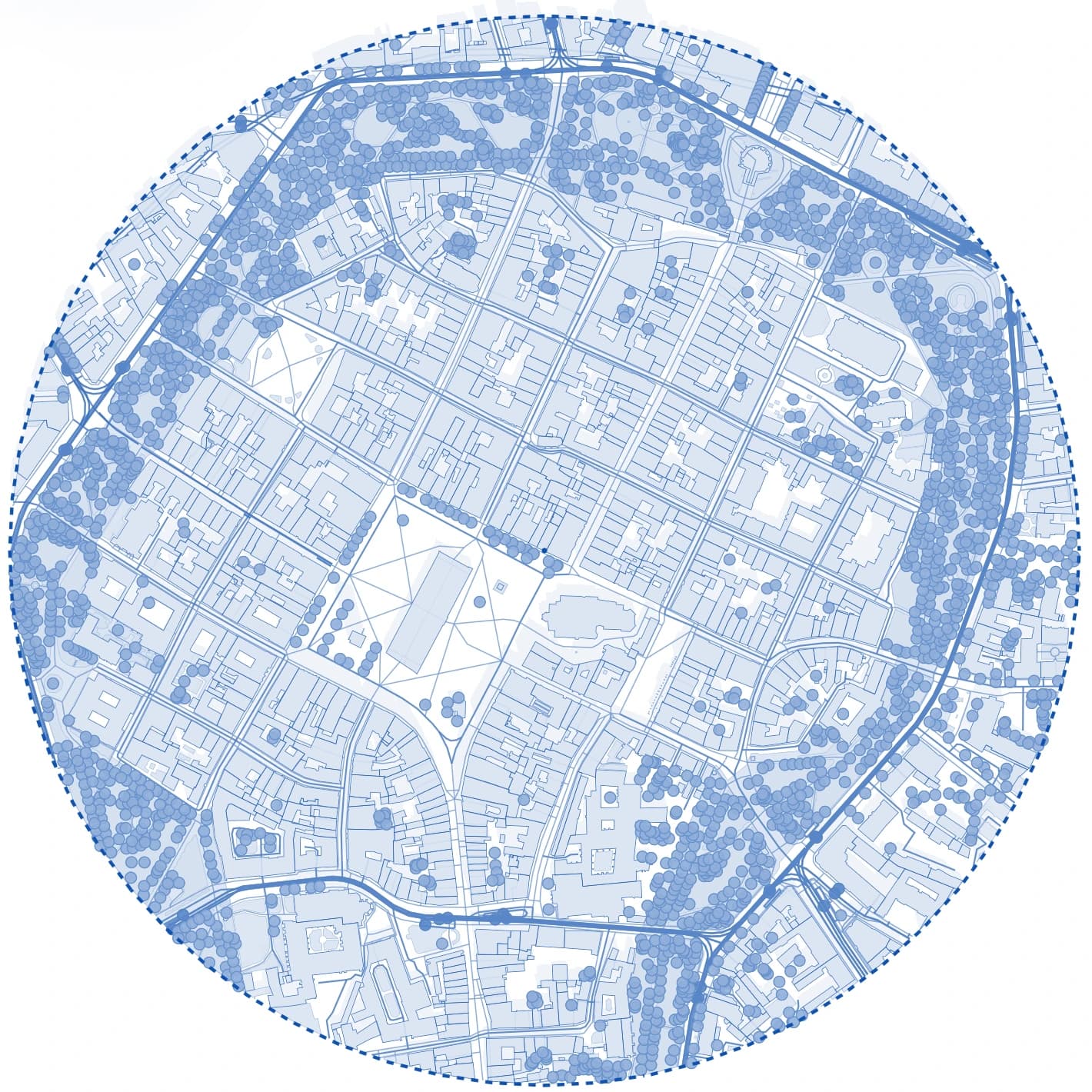
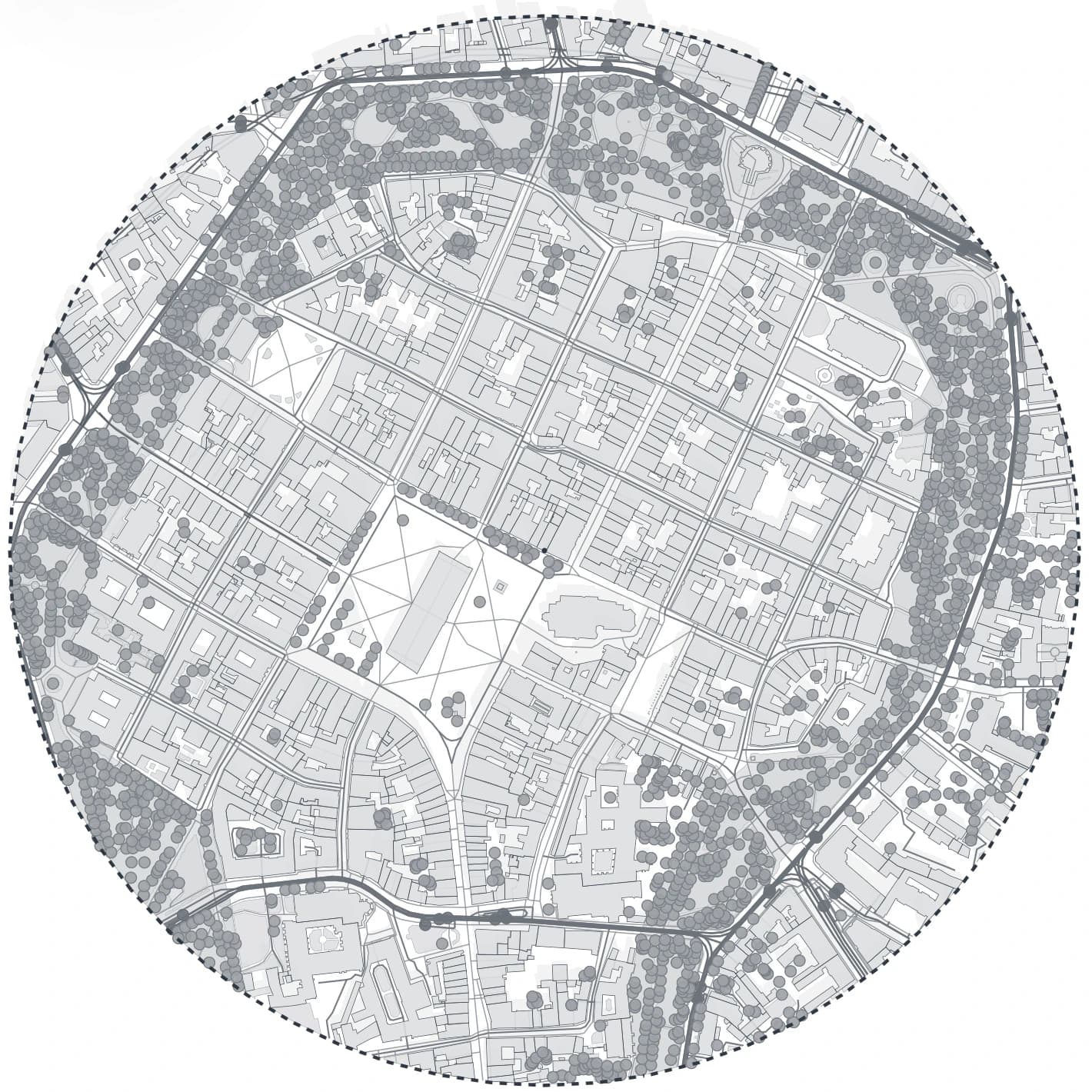
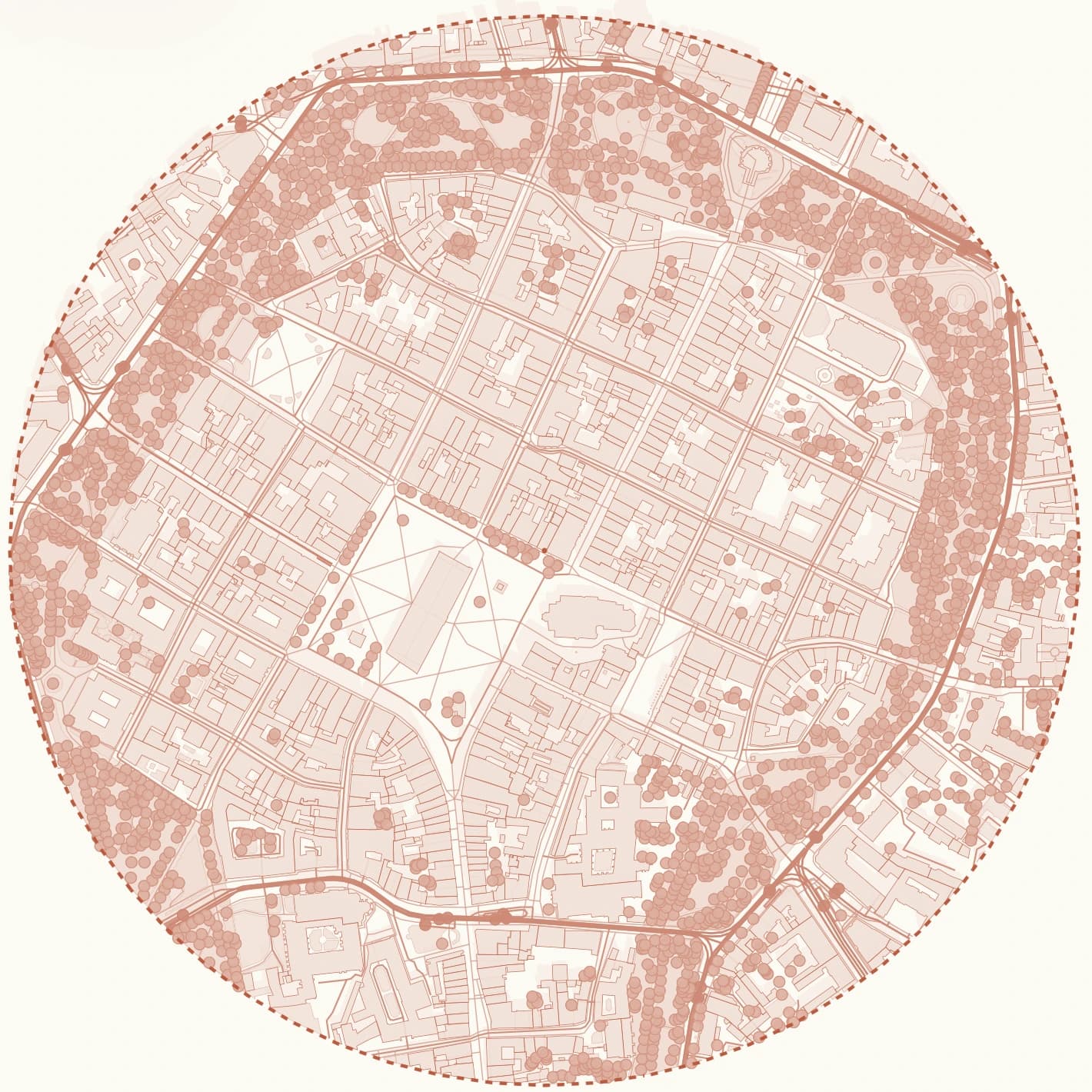
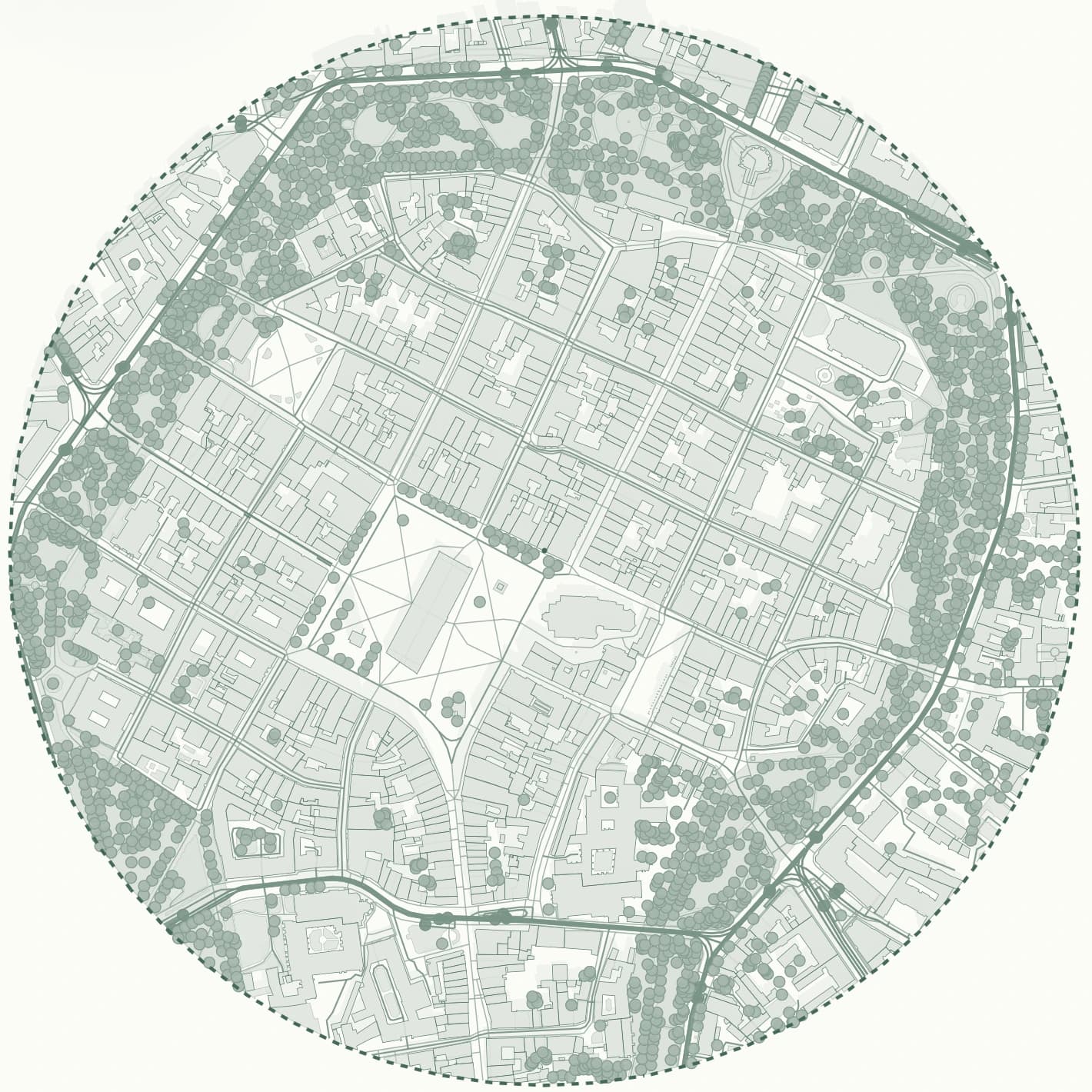
Gridded sits after both tools in the workflow: it generates the site, styles it as an analysis and exports a sheet that is close to finished.
- figure-ground, transport, greenery, building-use and sun-study maps of one area
- 3D view with real shadows for any date and time
- PDF at a fixed scale, PNG up to 8K, DXF and SVG from the same project
- terrain as DXF contours, a LandXML surface or XYZ points for Polish sites
Comparison
CADMapper vs TopoExport side by side
Based on what each vendor publishes. Limits and prices change, so confirm on their sites before a paid project.
| Criterion | CADMapper | TopoExport |
|---|---|---|
| Main data | OpenStreetMap plus elevation data | Official geographic data from national agencies |
| Coverage | Worldwide, quality varies by city | Strongest where official sources are available |
| Formats | DXF, Rhino, SketchUp, Illustrator | DXF, IFC, STL, OBJ, PDF, SVG |
| Terrain | Elevation-based topography | Core feature, detailed contours and 3D terrain |
| Free use | Areas up to 1 km² with an account | Basic export mode |
| Best for | A quick CAD base anywhere | Terrain and BIM-ready models |
Frequently asked questions
Is CADMapper or TopoExport better for architecture students?
For a quick base of a city site anywhere, CADMapper is usually faster. For a sloping site where contours matter, TopoExport's terrain is the stronger choice if your country is well covered. If the brief asks for analysis diagrams, a tool that styles the map, such as Gridded, saves the most time.
Can I get terrain contours in Gridded?
Yes, for sites in Poland. Gridded exports DXF contours at true elevation with a 0.5, 1, 2 or 5 m interval, a LandXML surface for Revit or Civil 3D and XYZ points as CSV. Outside Poland the ground is flat for now.
Which locations does Gridded cover?
Poland and the rest of Europe: 50 countries and territories, from Portugal and Ireland to Finland and Greece. Everywhere you get buildings, building use, roads, rail, public transport, water and greenery from OpenStreetMap, the 3D view and the sun study. Polish sites also use official national data: cadastral parcels, terrain, zoning plans, flood and noise maps, and building heights from the national surface model. The app tells you straight away whether a picked area is covered.
Related pages
CADMapper alternatives: six tools architects use for site maps, compared honestly.
CADMapper is the tool most architects try first for a quick DXF of a site. It is fast and free for small areas, but people look for alternatives when they need a larger area, better data for one country, a 3D model inside their own software, or a finished diagram instead of raw linework. Here is what each alternative is actually good at, so you can pick by task rather than by name.
A TopoExport alternative for architects who need more than a one-time export.
If the goal is to get an export and immediately continue in another tool, almost any export utility can look similar from a distance. The real difference appears when the same site has to be reviewed several times, compared across presets and reused for boards, DXF and 3D context.
A CADMapper alternative built for analysis, iteration and export, not only data extraction.
Architects usually do not need another source of raw map lines. They need a faster way to move from location to a clean, styled, decision-ready site analysis. Below is a practical way to compare Gridded and CADMapper on one real site: what to check, what to export and how much work is still left afterwards.