Comparison
A TopoExport alternative for architects who need more than a one-time export.
If the goal is to get an export and immediately continue in another tool, almost any export utility can look similar from a distance. The real difference appears when the same site has to be reviewed several times, compared across presets and reused for boards, DXF and 3D context.
- one project can hold several presentation and working presets
- same study area reused for exports, screenshots and 3D checks
- clearer path from site context to client-ready diagram
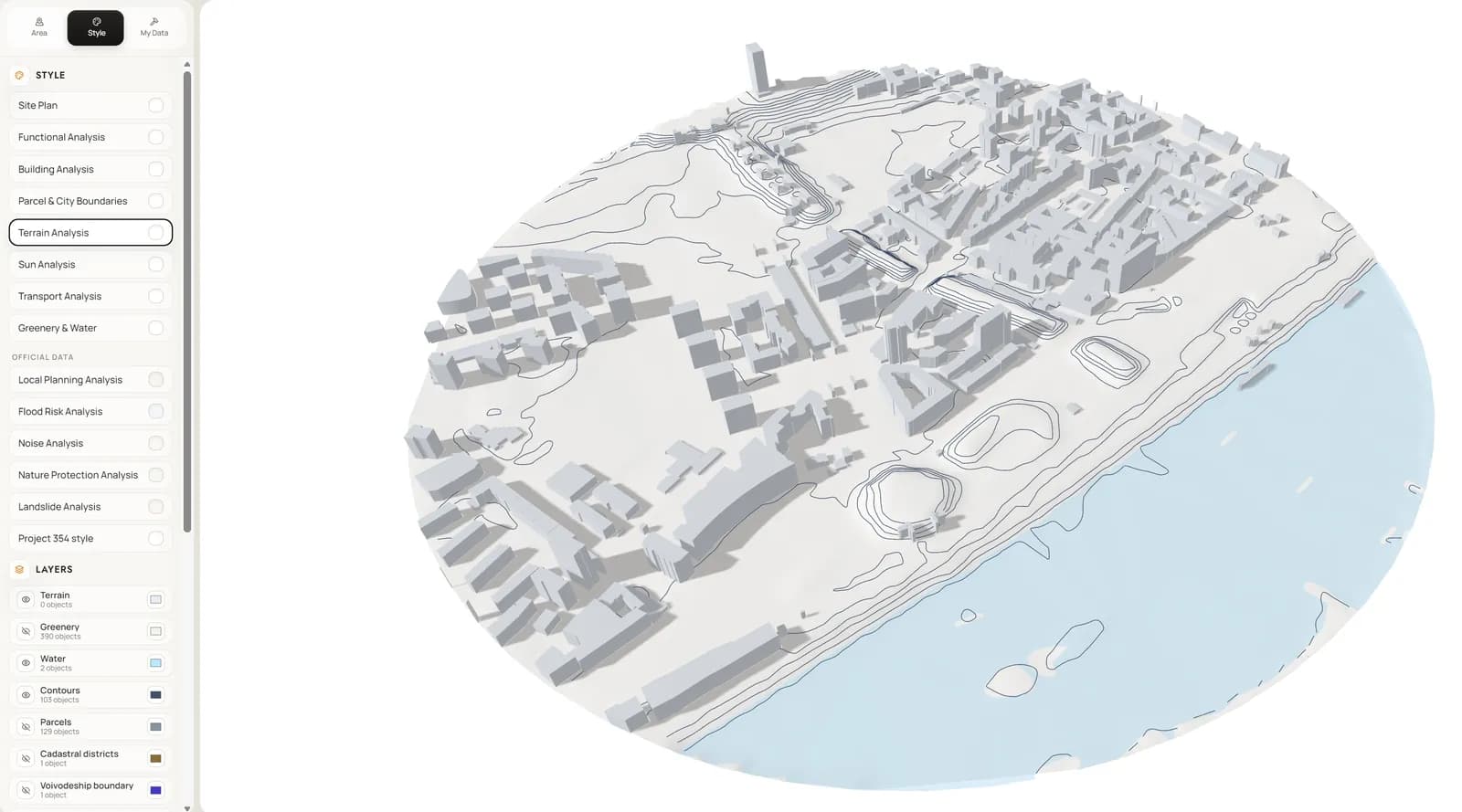
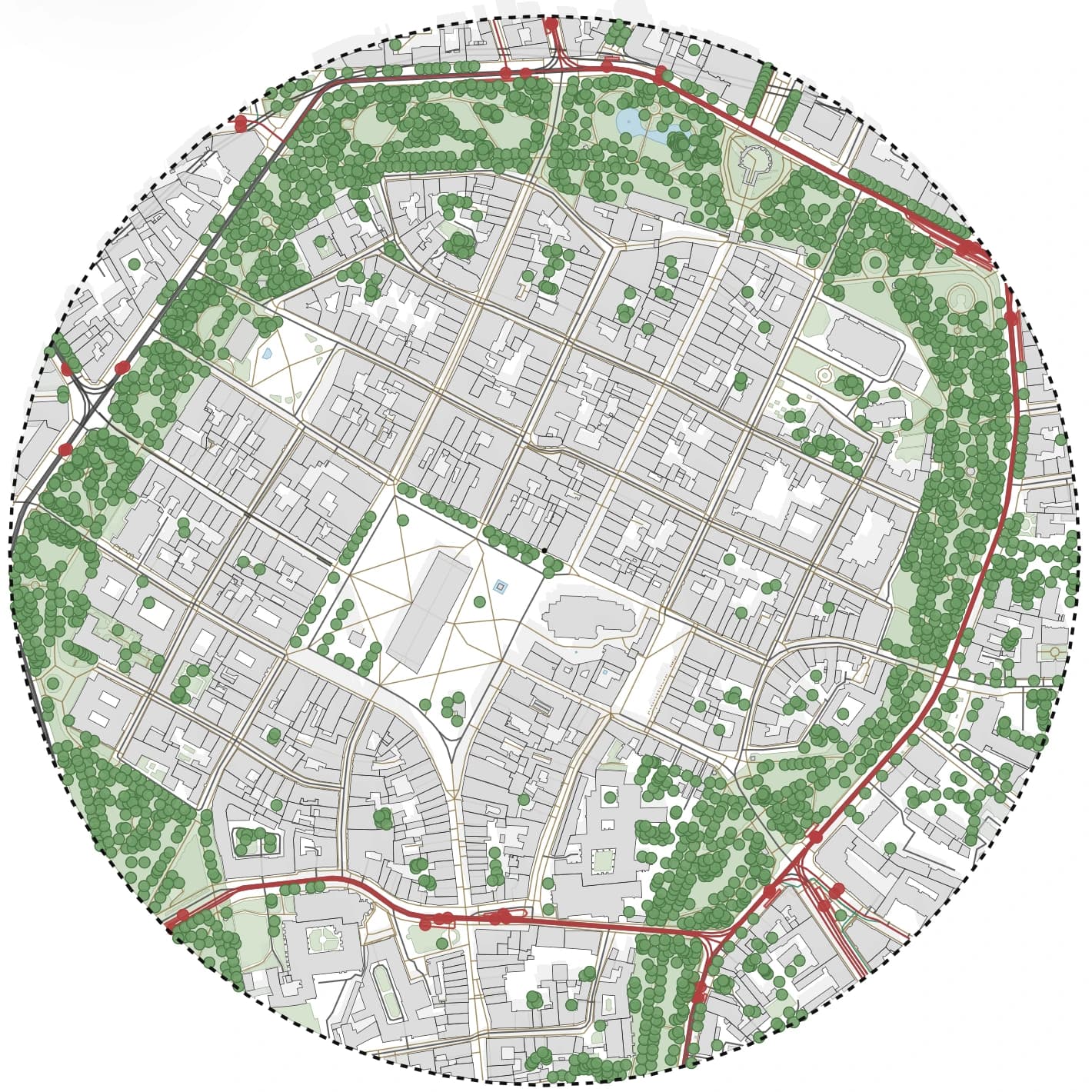
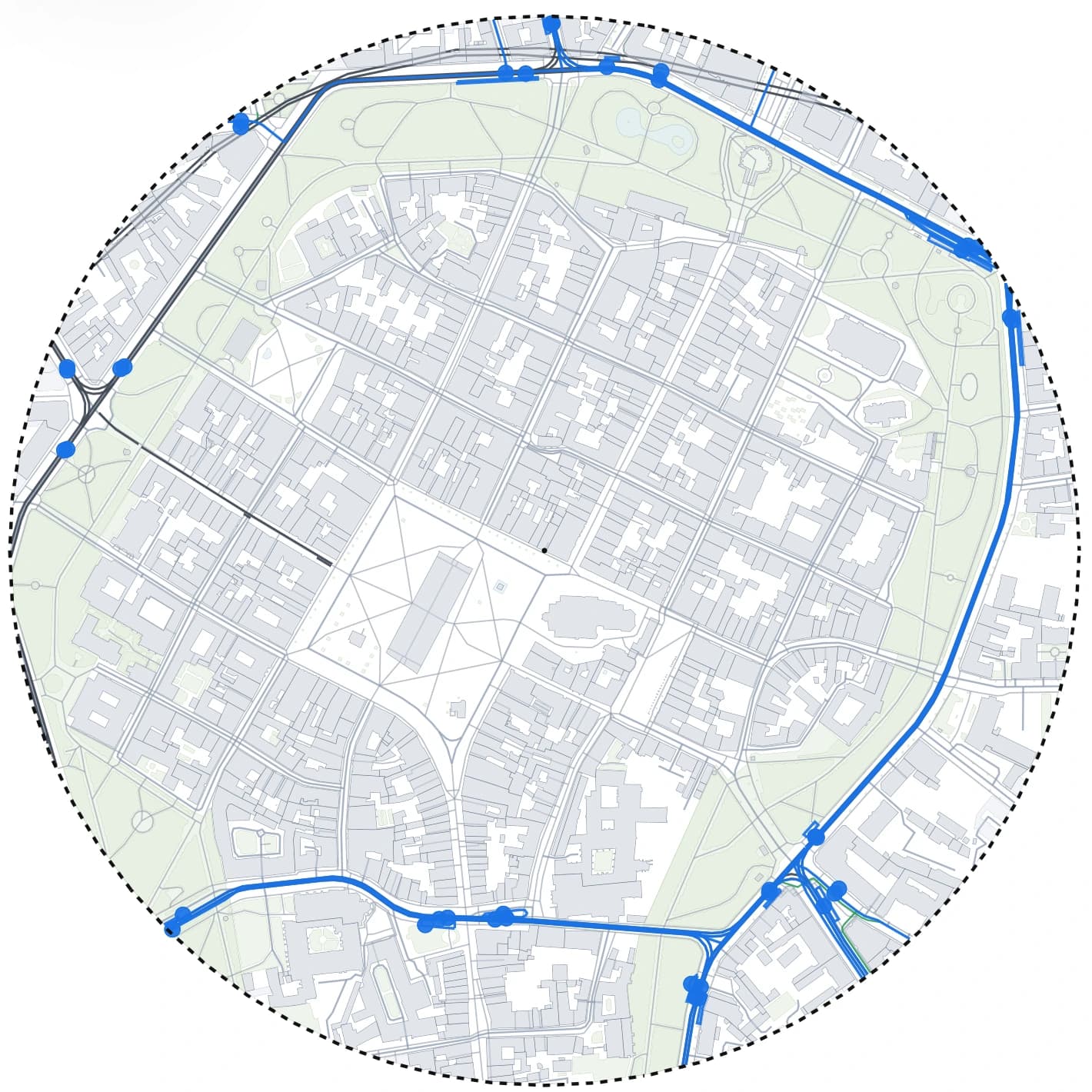
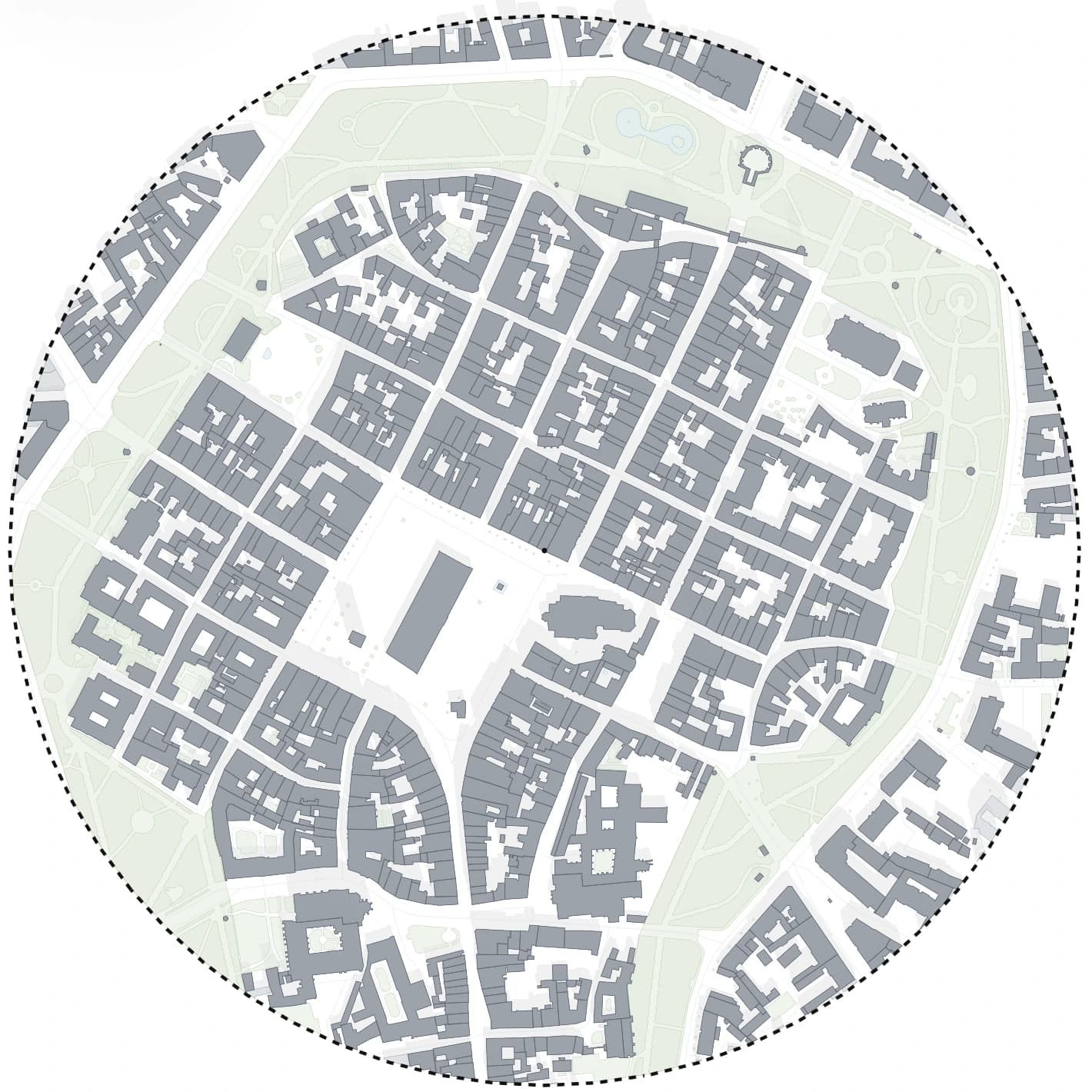
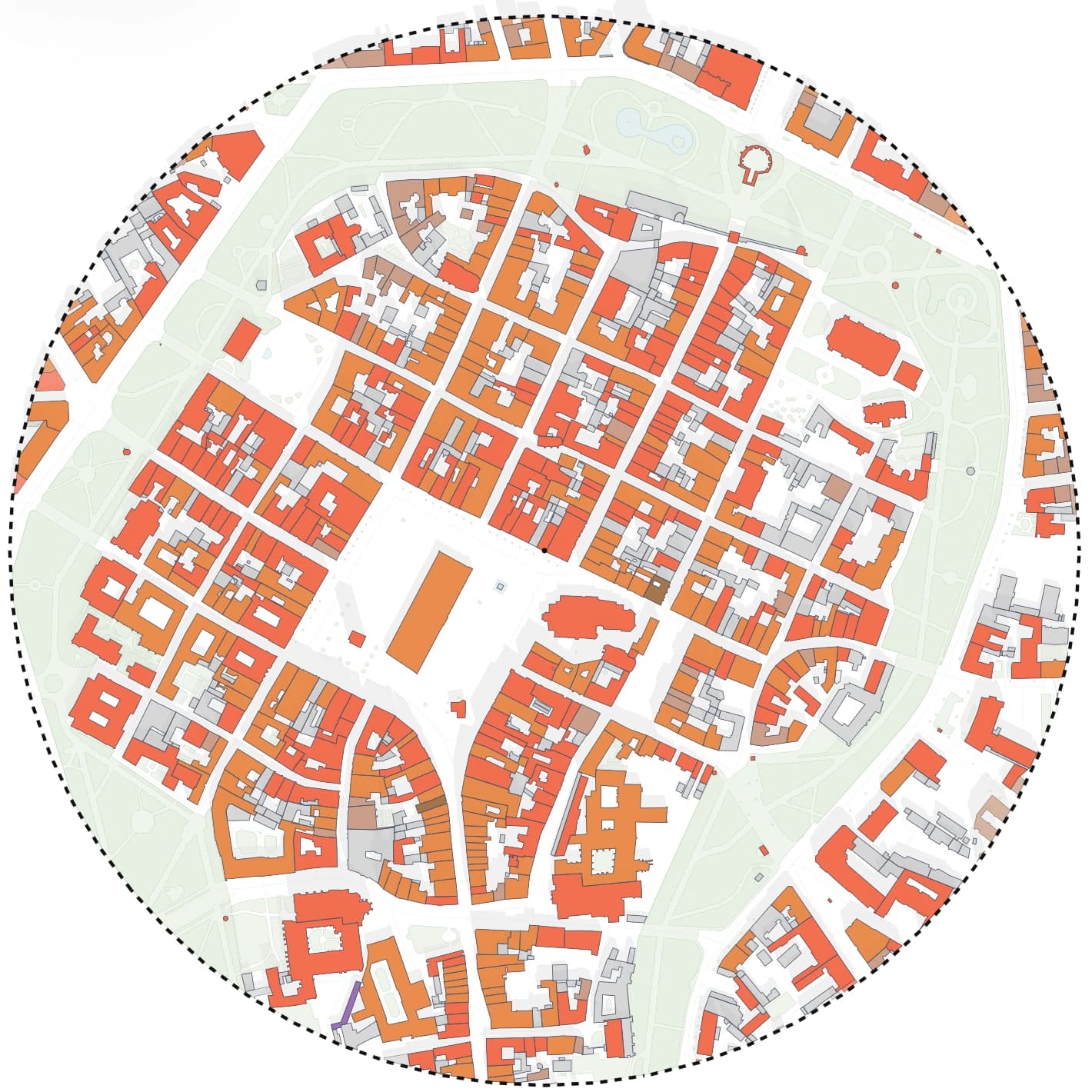
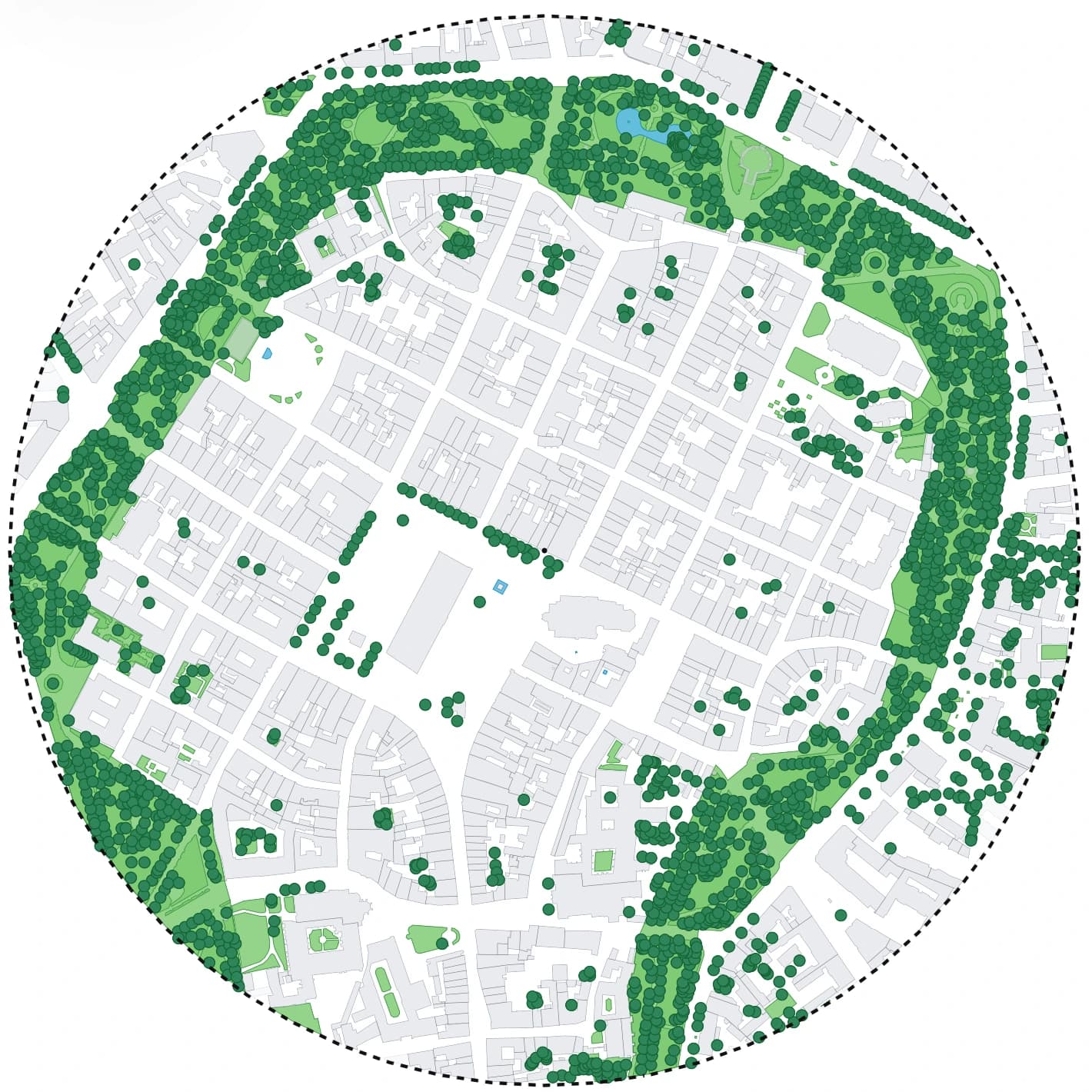
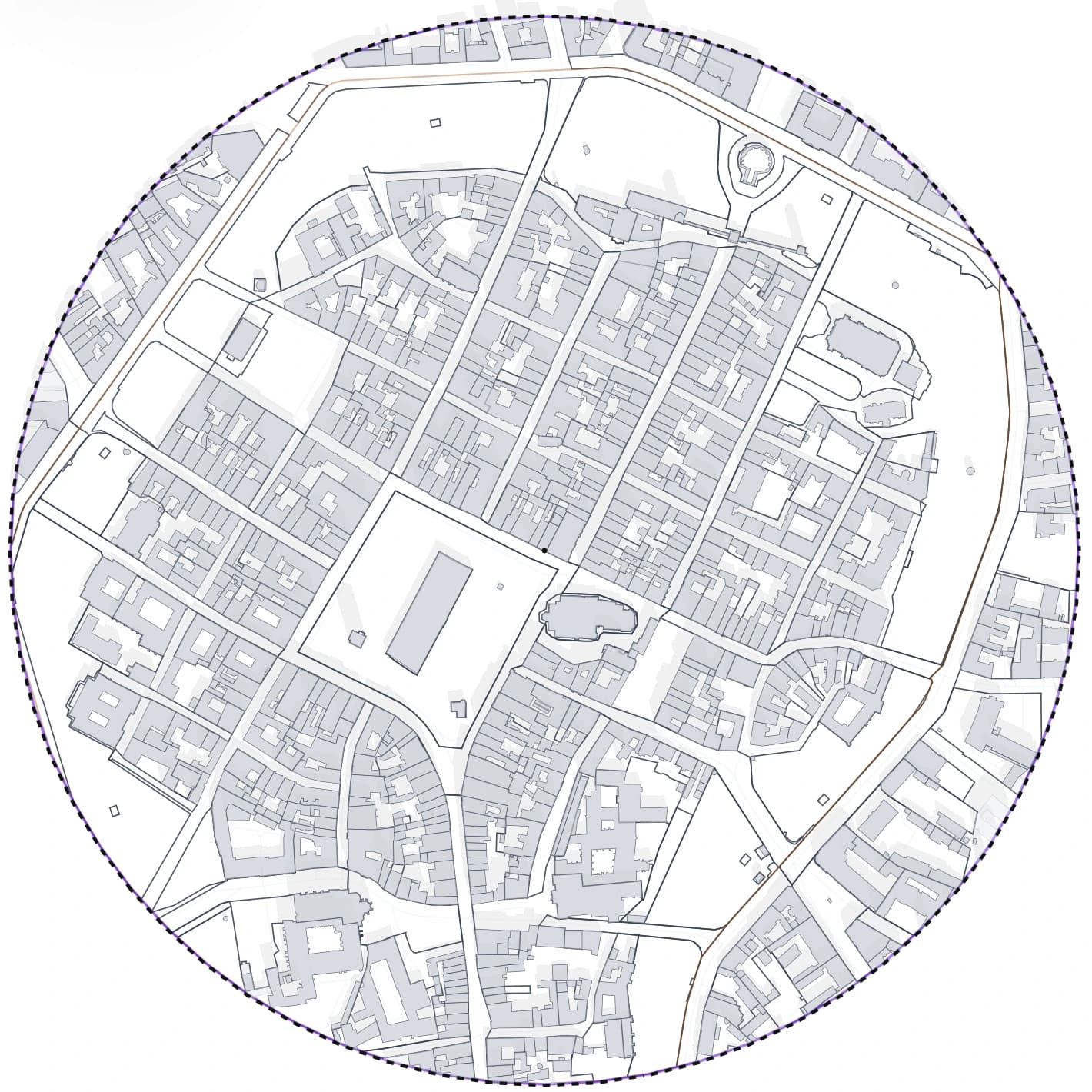
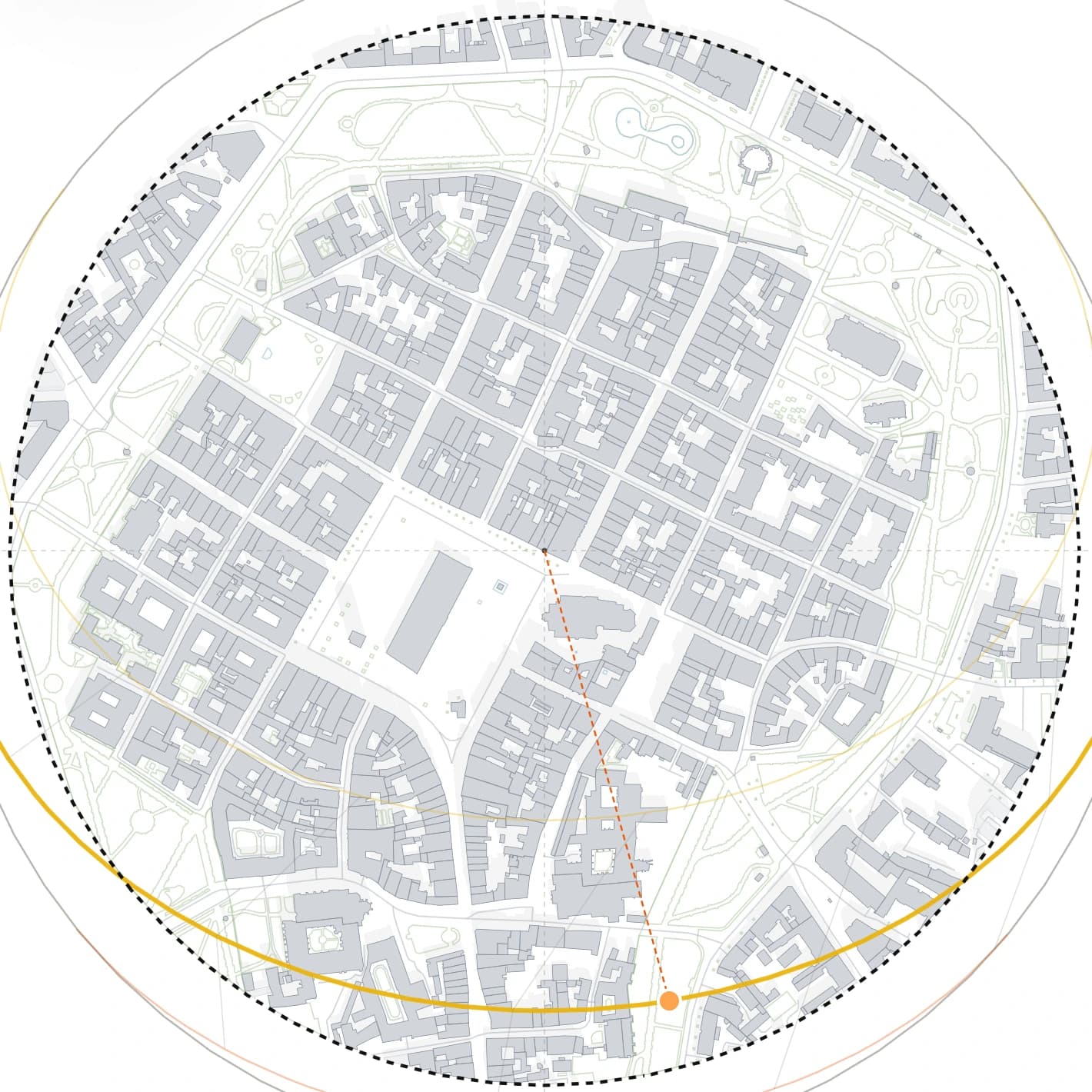
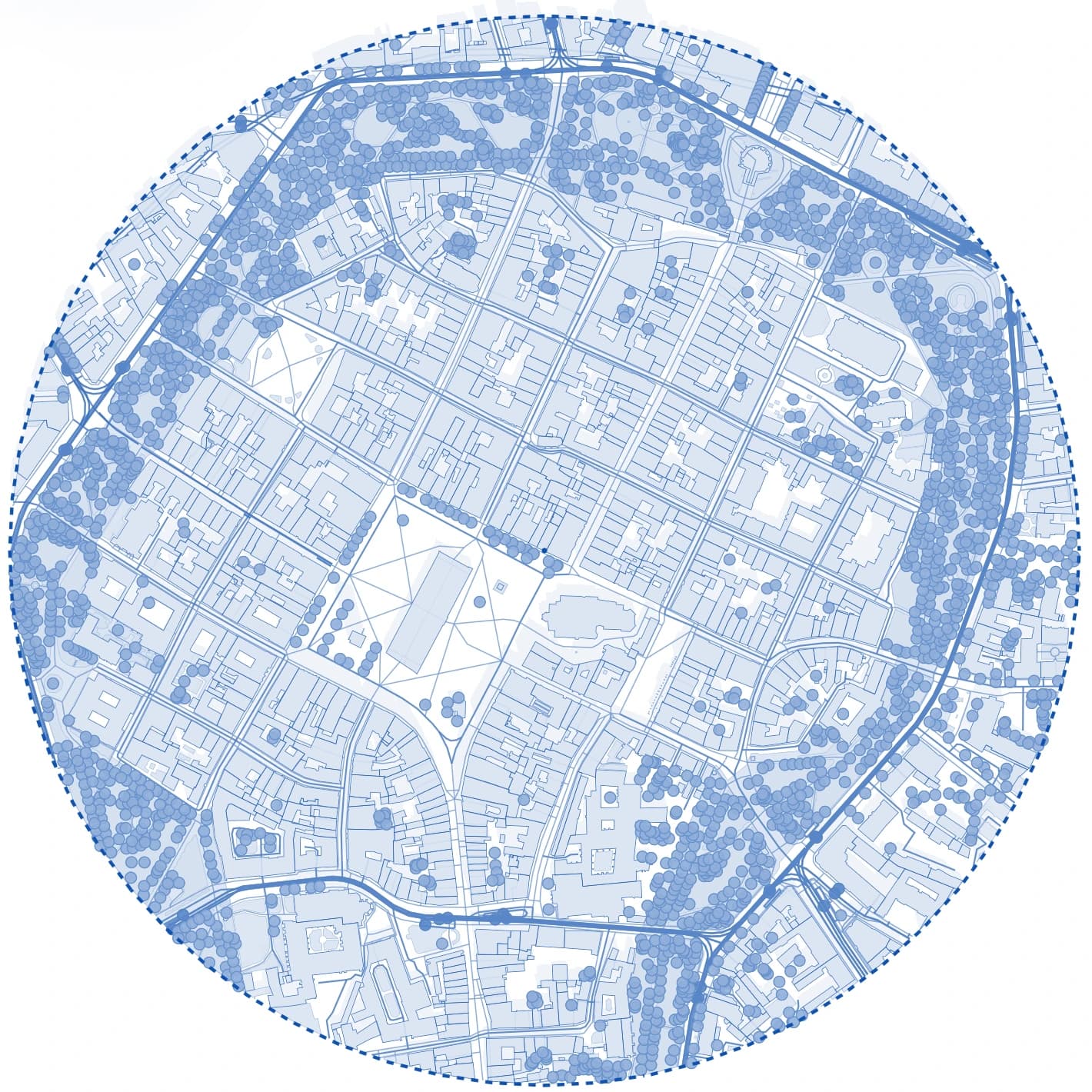
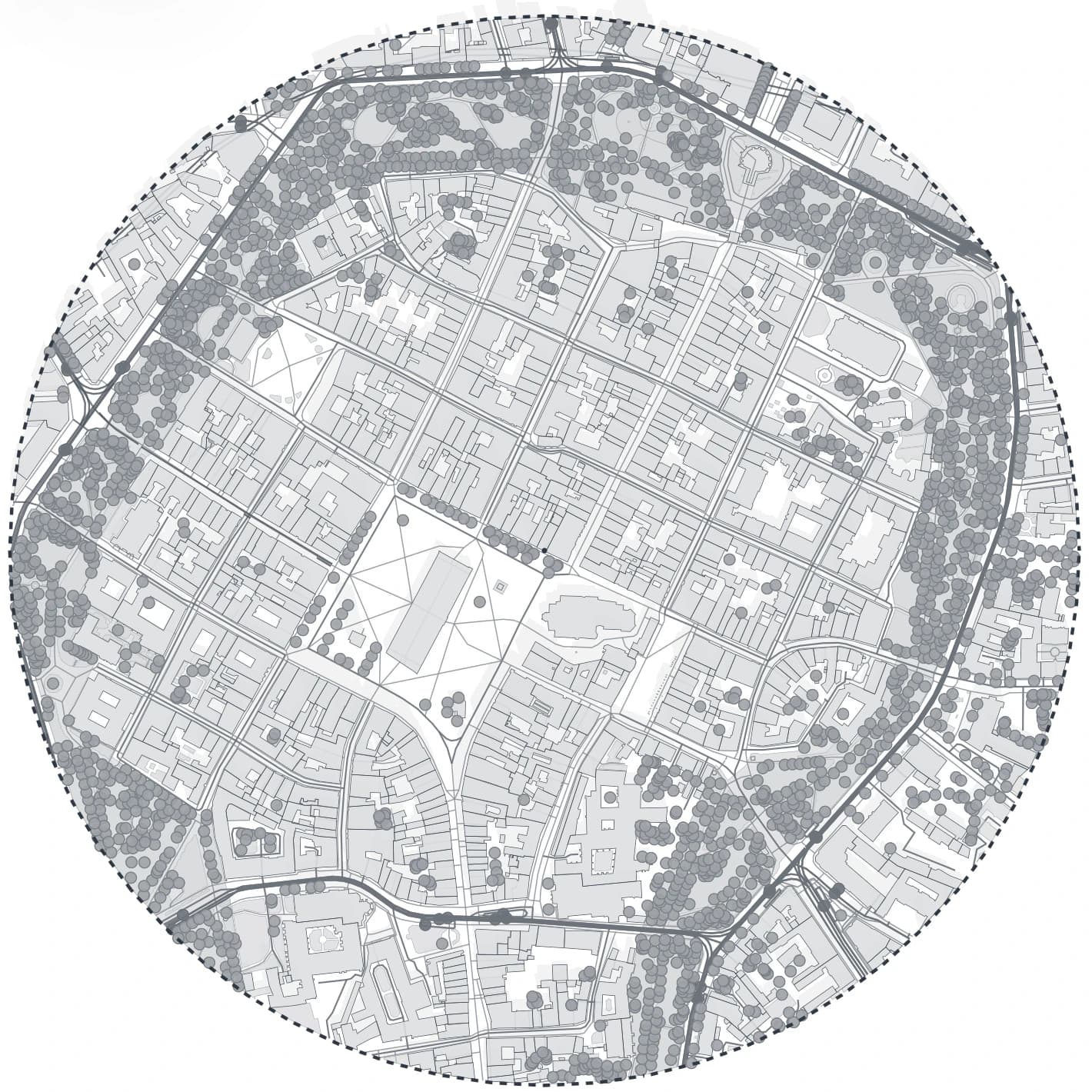
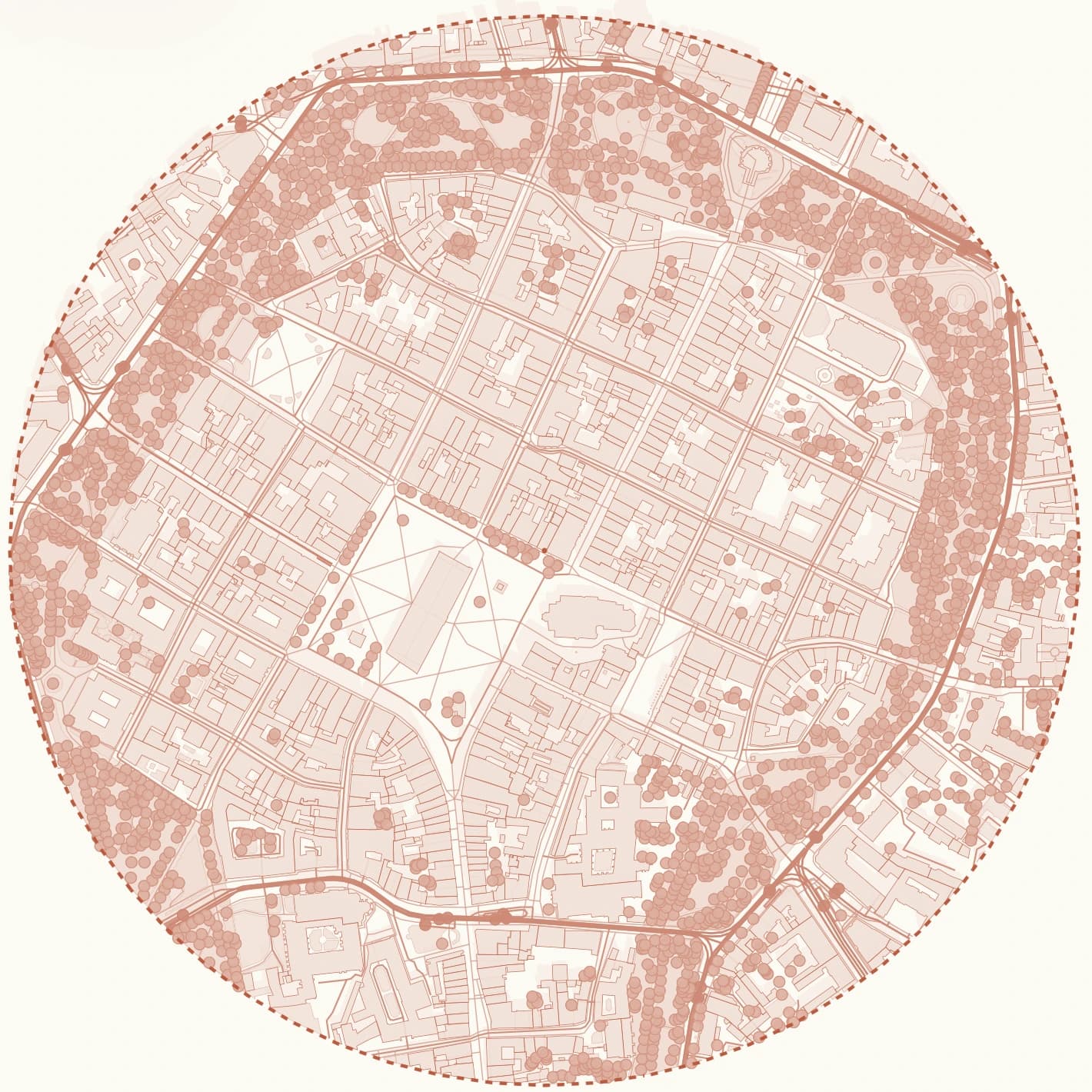
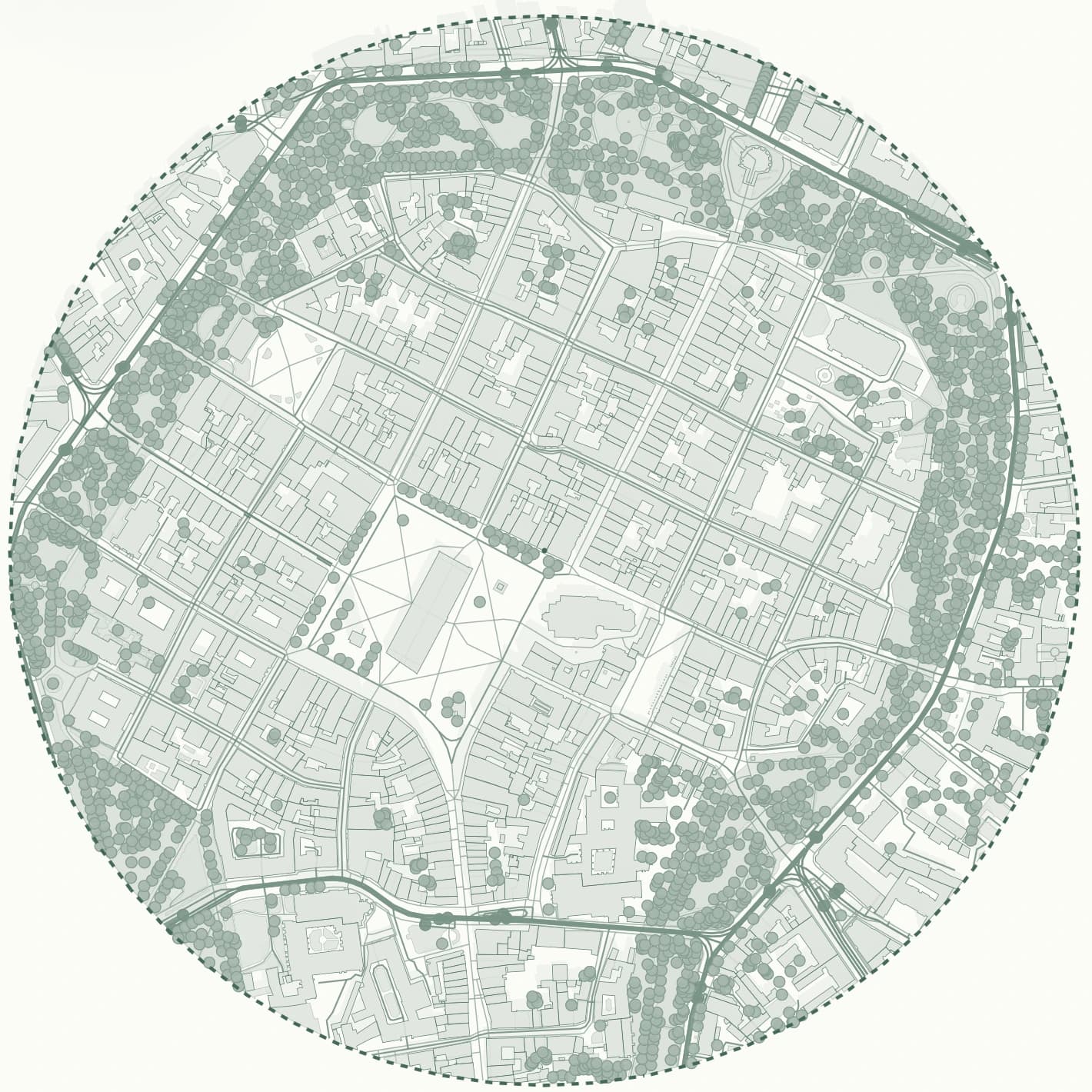
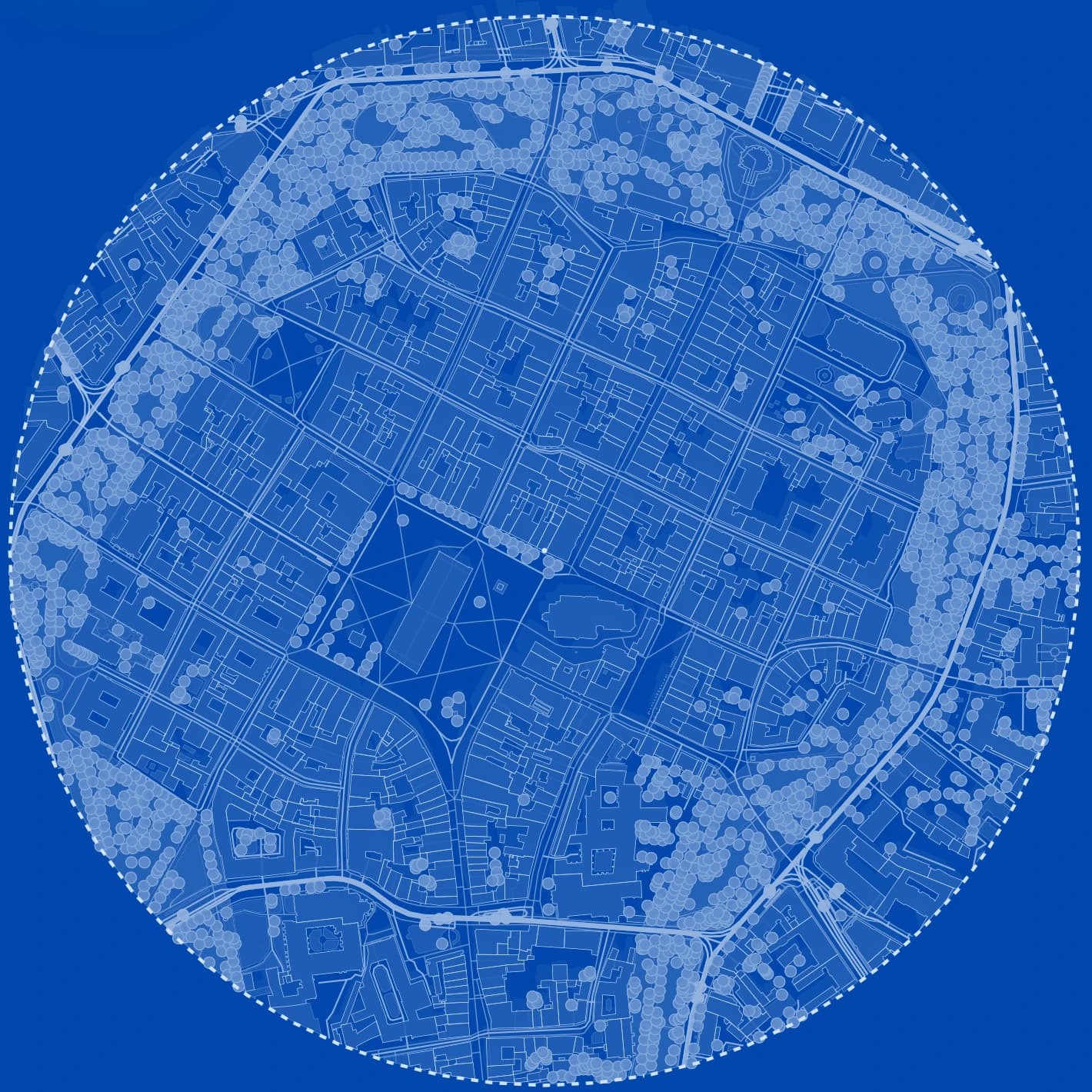
Site plan
Typical pain point
Export utilities solve access to data, but not the iteration layer around the project
Once the export is downloaded, the architect still has to organize visibility, compose several diagram directions, maintain naming and collect review screenshots. That work matters because it repeats across every site and every internal presentation.
- the hidden cost is repeated visual setup
- the second and third review take time too
- boards need cleaner context than raw source output
Workflow advantage
Gridded keeps the project state, not only the exported file
The strongest difference is that Gridded keeps the site analysis as a reusable project. The user can return later, load a saved preset, export again and continue the same discussion without rebuilding the setup from zero.
- return to the same project later
- restore a saved preset for a known presentation angle
- export from the selected preset instead of rebuilding layers every time
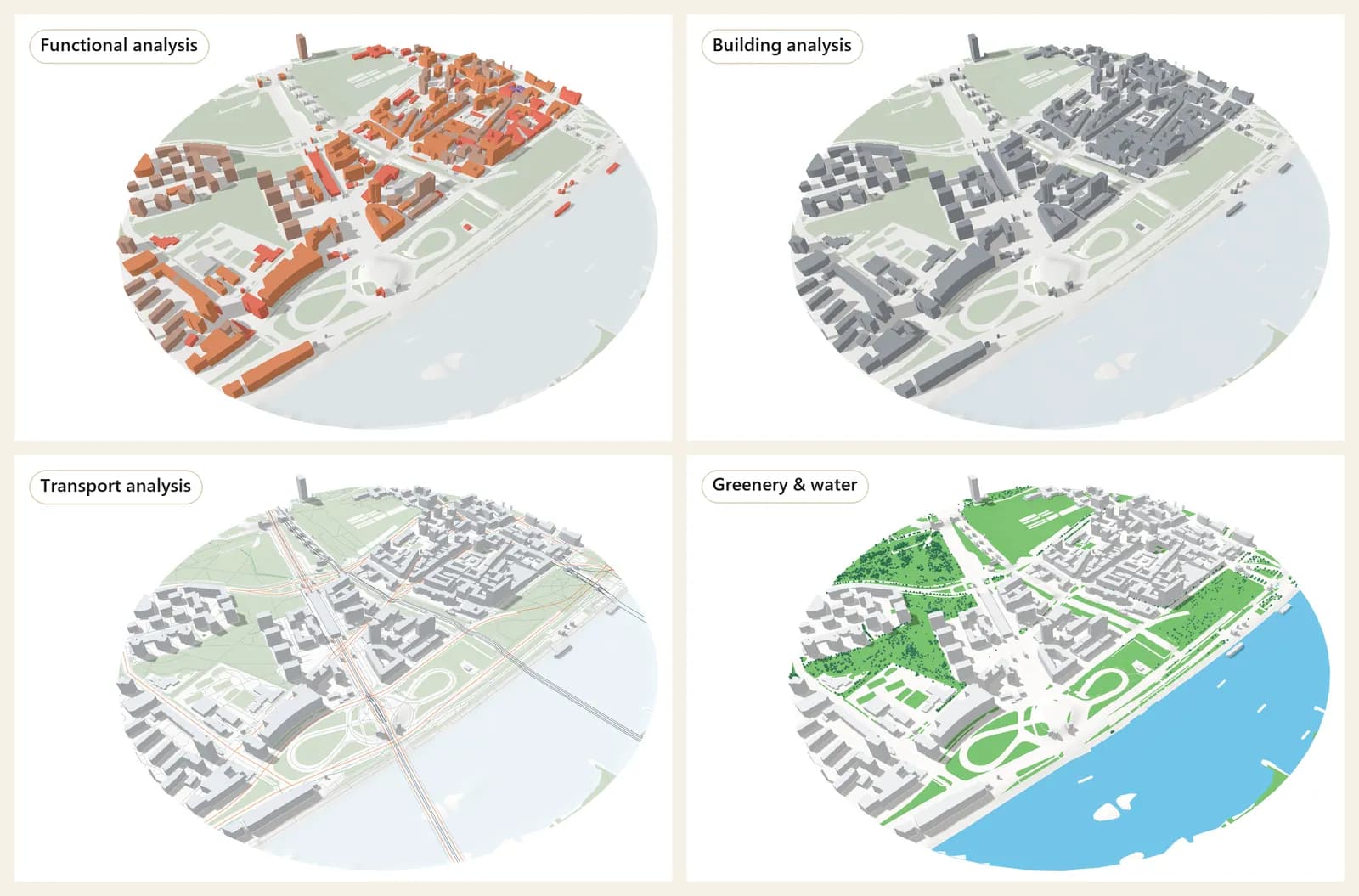
Workflow
Suggested comparison flow for a TopoExport-style evaluation
Use one real site and judge the workflow after the first export, not only the existence of export itself.
Create a project around the actual review area
Use the real radius and framing you would present to a client or tutor, not a generic map extent.
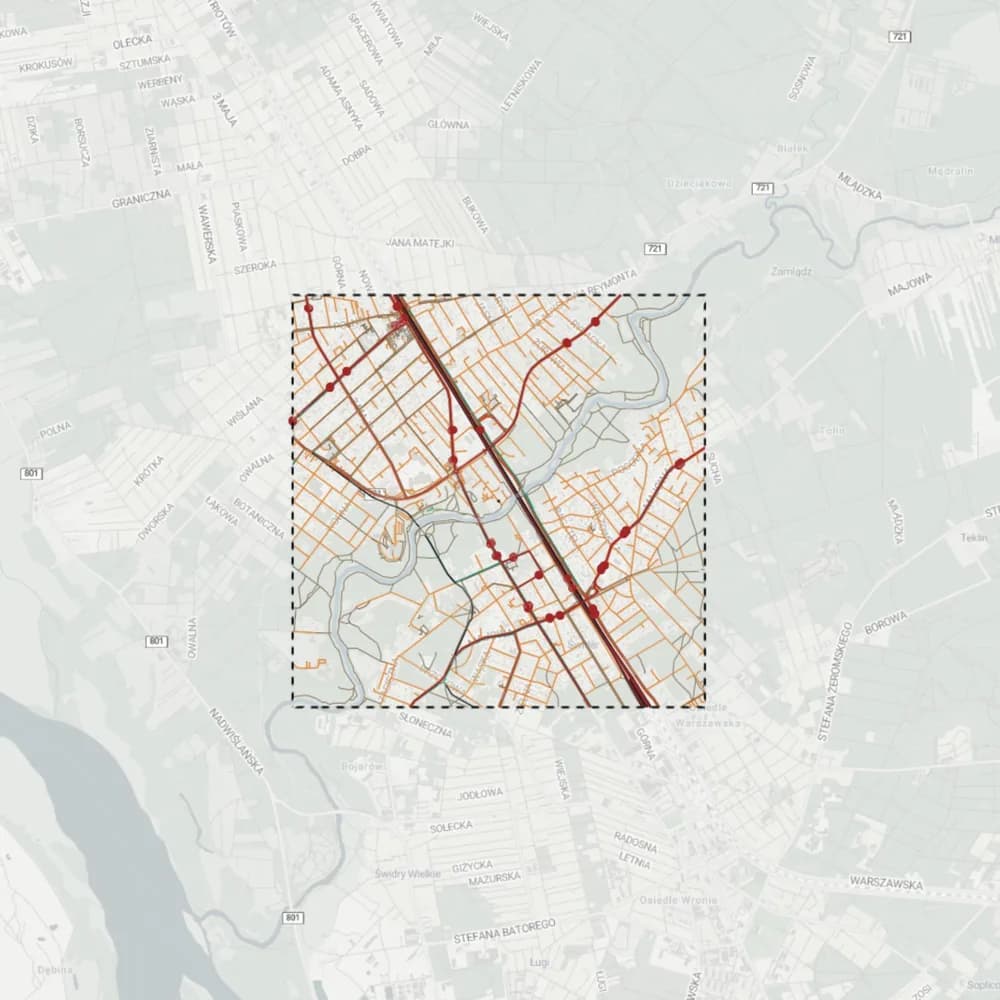
Prepare a clean CAD preset and a board preset
One preset can stay dense and technical, while the second can be lighter and presentation-oriented.
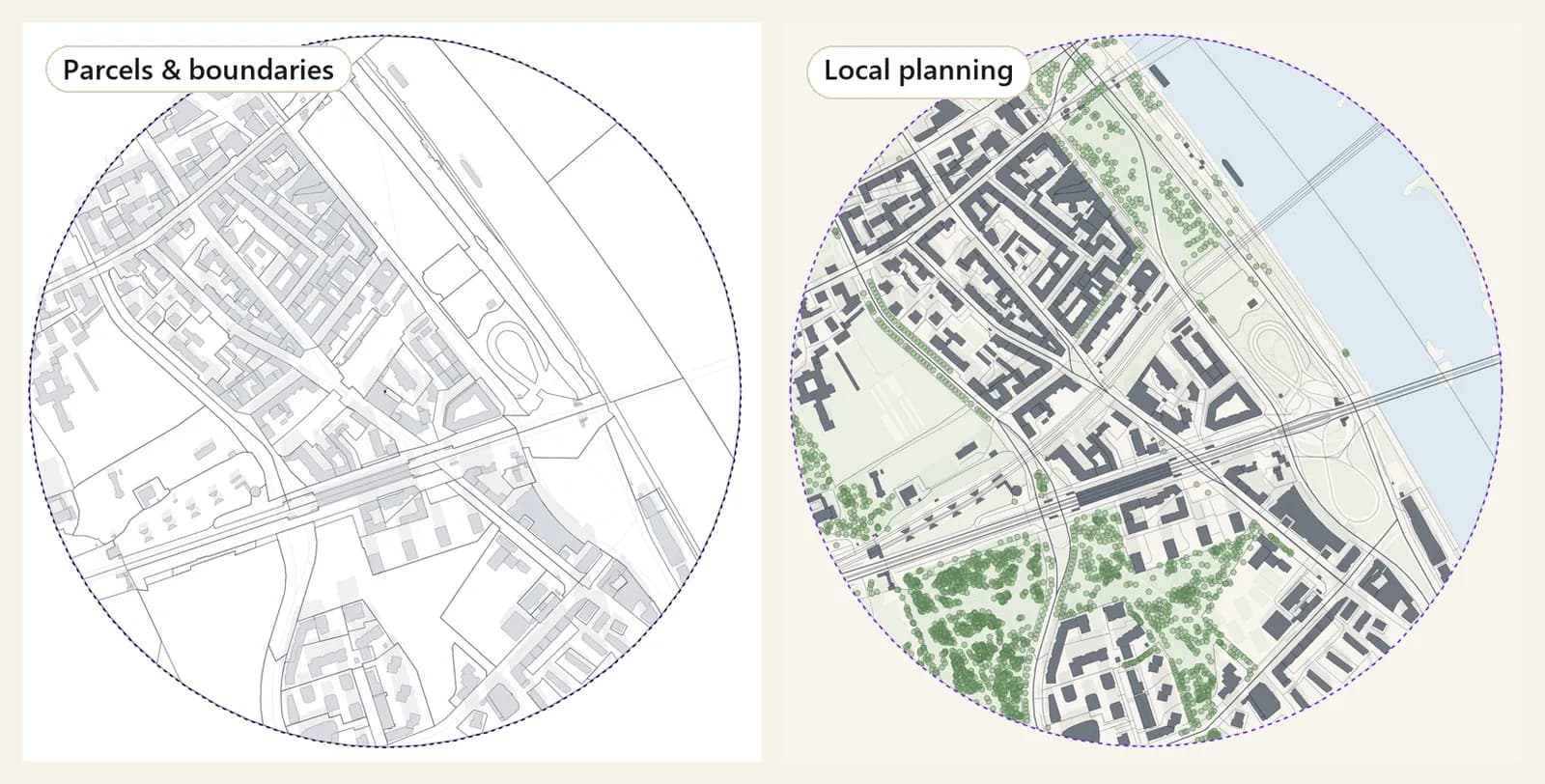
Capture one 3D or shadow angle for context
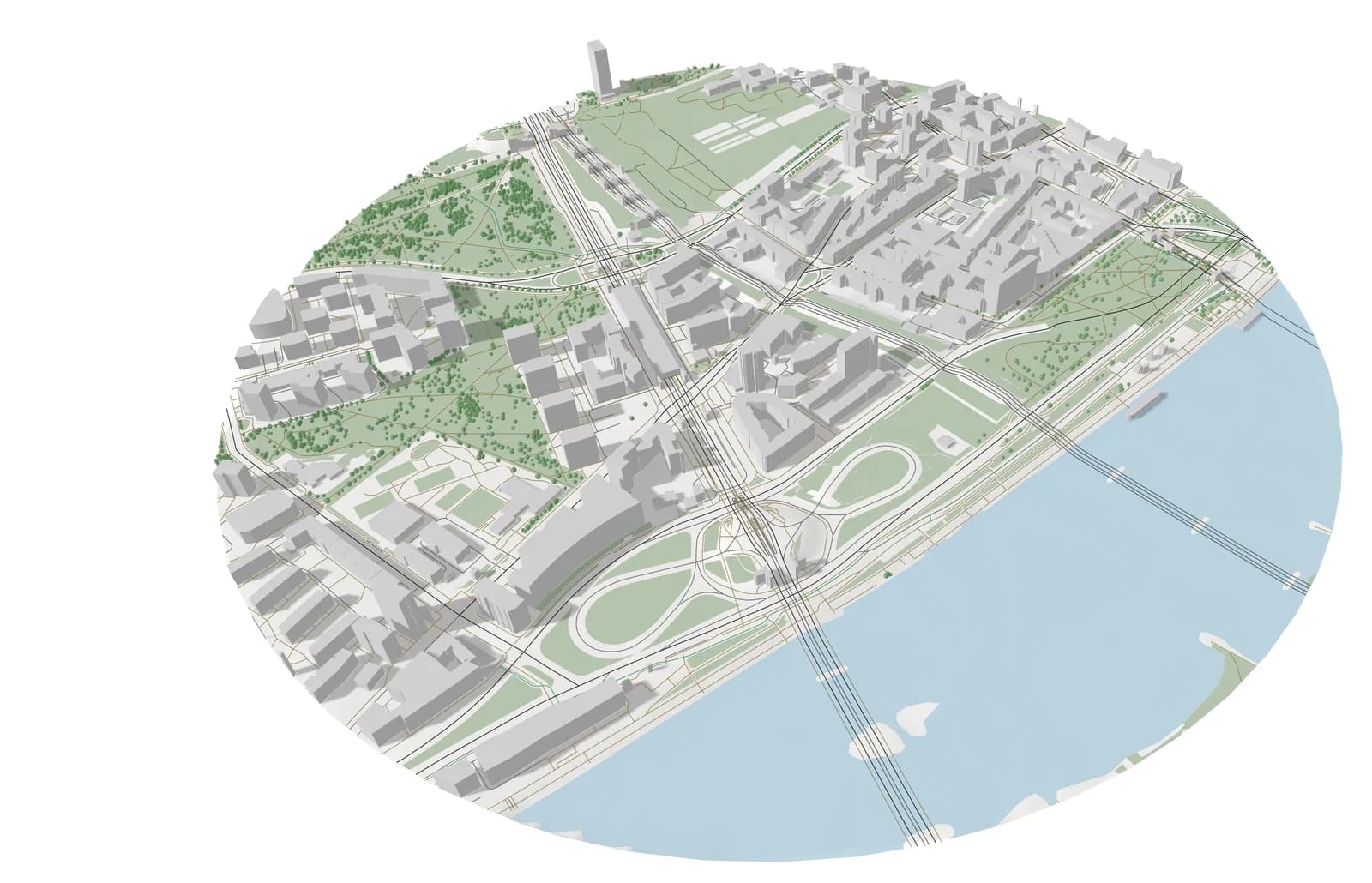
Even if the final result is 2D, a fast 3D check strengthens the project review and shows how the terrain sits among the surrounding buildings.
Export and compare how much finishing work still remains
This is the real benchmark. The better workflow is the one that leaves less rework outside the tool. For terrain, Gridded exports DXF contours at true elevation, a LandXML surface for Revit or Civil 3D and XYZ points as CSV, next to the regular DXF, SVG, PDF and PNG outputs.
What you get
What one project gives you
Export is the end of the workflow, not the whole of it. One project keeps producing material for every review of the same site.
- diagram-ready context map for boards and early client decks
- clean DXF or SVG base for CAD and Illustrator refinement
- one saved preset for each visual direction: context, transport, greenery, sun study
- 2D and 3D views of the same site, ready for the next design review
Comparison
TopoExport vs Gridded: project continuity matters
The strongest distinction is not whether export exists, but whether the project can be reopened, reused and re-presented efficiently.
| Criterion | Gridded | TopoExport |
|---|---|---|
| Core value | Reusable site-analysis workflow | Export-first workflow |
| Saved project state | Project + presets + export views | Mostly downstream continuation outside the tool |
| Best for repeated reviews | Yes, one project can serve multiple review moments | Usually requires more reconstruction later |
| Context in 2D and 3D | Part of the same workflow | Not the main focus |
| Who benefits most | Architects comparing visual and technical outputs | Users focused on raw export delivery |
Frequently asked questions
Can Gridded export terrain like TopoExport?
Yes, for sites in Poland. The 3D terrain export gives DXF contours at true elevation with a 0.5, 1, 2 or 5 m interval, a LandXML surface for Revit or Civil 3D, and XYZ points as CSV. The difference is that the terrain sits in the same project as buildings, parcels, transport and planning data. Outside Poland the ground is flat for now, so terrain export is not available there.
Which locations does Gridded cover?
Poland and the rest of Europe: 50 countries and territories, from Portugal and Ireland to Finland and Greece. Everywhere you get buildings, building use, roads, rail, public transport, water and greenery from OpenStreetMap, the 3D view and the sun study. Polish sites also use official national data: cadastral parcels, terrain, zoning plans, flood and noise maps, and building heights from the national surface model. The app tells you straight away whether a picked area is covered.
Related pages
A CADMapper alternative built for analysis, iteration and export, not only data extraction.
Architects usually do not need another source of raw map lines. They need a faster way to move from location to a clean, styled, decision-ready site analysis. Below is a practical way to compare Gridded and CADMapper on one real site: what to check, what to export and how much work is still left afterwards.
A 3D model of the site's surroundings, from an address, in your browser.
Before a massing study you need the neighbours: how tall they are, how close they stand and what shadow they cast. Gridded builds a 3D context model from the same data as its 2D maps, so the site plan, the massing and the sun study always show the same buildings. It works for any address in 50 European countries.
OpenStreetMap to DXF: four ways to get a clean CAD base map of a European site.
OpenStreetMap is the most complete free source of buildings and streets in Europe, but it does not arrive as a drawing. This guide compares the common routes from OpenStreetMap to a layered DXF (QGIS, a converter script, a CAD plug-in and an online generator) and shows where Gridded fits: generate the site once, style it, then export the same project as PDF, DXF or SVG.